There is a quiet war happening on the desks of AI enthusiasts right now. On one side, the Mac Mini M4 sits sleek and silent, promising effortless local AI with Apple’s famous “it just works” energy. On the other side, a growing army of AMD-powered mini PCs are waving 64GB and 128GB of RAM like a battle flag, daring you to run models Apple buyers cannot even dream about.
Both camps are selling you something. And both camps are leaving out inconvenient truths.
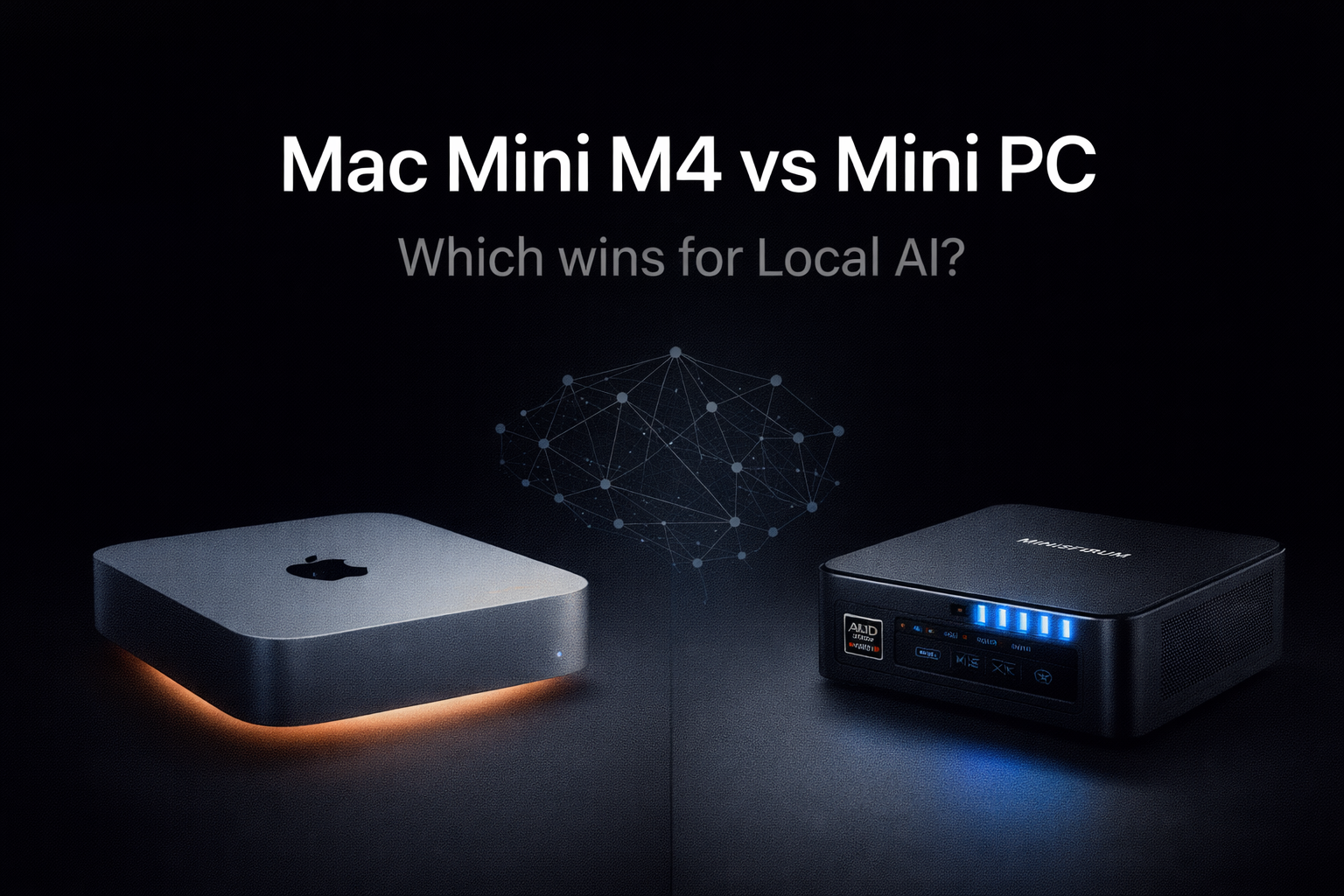
This is not a spec sheet comparison. This is a real-world breakdown of which machine actually makes sense for running local large language models, written for someone who actually wants to use AI daily, not just benchmark it.
The Thing Both Apple and AMD Fans Are Not Telling You
Here is the architectural fact that changes everything.
Both the Mac Mini M4 and the new wave of AMD Ryzen AI Max mini PCs use unified memory architecture. Your CPU and GPU share the same memory pool. There is no VRAM ceiling in the traditional GPU sense. This is why a Mac Mini M4 with 16GB can run a quantized 7B model smoothly while a gaming PC with a 12GB RTX 4070 hits a wall trying to do the same thing.
Apple has had this architecture for years. AMD’s Strix Halo platform, which powers machines like the Minisforum MS-S1 Max, arrived at the same destination from a completely different direction, only very recently.
The convergence is real. But the execution is wildly different.
What Happens When You Hit the Memory Ceiling
Before comparing anything else, you need to understand what happens when your model does not fit in physical memory. This is the most important thing in local AI hardware selection, and almost nobody talks about it plainly enough.
On macOS with Apple Silicon, when a model’s weights exceed your installed memory, the system starts swapping to SSD. The result is not just slower generation. It is catastrophically slower. One documented benchmark showed a 32B model dropping from a theoretical ceiling of roughly 10 tokens per second to a measured 0.28 tokens per second after hitting the memory wall. That is slower than reading aloud. That is unusable.
The same principle applies to any machine, Mac or otherwise. But the consequence is that the memory ceiling is the single most important number you should look at, not the chip generation, not the CPU benchmark score, not the NPU TOPS figure printed on the box.
Buy enough memory for the models you want to run, or buy a machine that lets you upgrade later.
The Three Real Buying Decisions
Most comparison articles compare Mac Mini M4 against a single generic “mini PC” as if mini PC were one thing. It is not. There are three completely different buying decisions depending on your budget, and the right answer is different at each tier.
Under $700 — Mac Mini M4 (16GB) vs an AMD Mini PC with 32GB
The Mac Mini M4 base model starts at $599 with 16GB of unified memory. For that price, you get a machine that runs7B and 8B quantized models without any configuration work. Ollama installs in minutes, Llama 4 Scout or Qwen3 7B runs at a comfortable 25 to 35 tokens per second, and the machine is silent.
The competitive option at this price is something like the Minisforum AI X1 or a Beelink SER8 configured with 32GB of DDR5. You are getting double the RAM for roughly the same money. A 13B model that struggles on the M4 16GB becomes perfectly usable on a 32GB AMD machine.
The tradeoff is real though. The Apple M4 chip scores around 3,794 on single-core benchmarks. Most AMD mini PC chips at this tier land closer to 2,200 to 2,500. For inference speed on smaller models, the M4 is genuinely faster per token at the same model size.
So the honest answer at this tier is this. If you want to run 7B models beautifully and never touch a terminal, buy the Mac Mini M4. If you want the flexibility to experiment with 13B models and do not mind a slightly steeper setup, buy the AMD with 32GB and spend the change on a better keyboard.
$1,000 to $1,200 — Mac Mini M4 Pro (24GB) vs AMD Mini PC at 64GB
This is where the Mac argument gets genuinely compelling and genuinely frustrating at the same time.
The M4 Pro chip is a serious piece of silicon. Memory bandwidth on the M4 Pro reaches around 273 GB/s, which directly translates to faster token generation. On quantized 13B models, expect 40 to 55 tokens per second. On a Q4 quantized 30B model, you are looking at 12 to 18 tokens per second, which is fast enough for comfortable real-time conversation.
But the M4 Pro 24GB starts at $1,299, and you cannot upgrade the memory after purchase. What you buy is what you have.
A Beelink SER8 or a Minisforum UM790 Pro configured with 64GB of DDR5 costs roughly $850 to $1000. That 64GB figure is not just headroom. It means you can run a 34B model in full Q4 quantization without breaking a sweat and never touch the swap file. It also means you can run two models simultaneously, one for coding assistance and one for general chat, which is a real workflow that real people use.
The AMD machine at this tier is also running native Linux. If you are using tools like Automatic1111 for images, if you want CUDA-based acceleration for anything beyond just LLM inference, if you need to customize the stack at a level Apple simply does not allow, the AMD machine is not just an alternative. It is the only real option.
$1,500 and Above — Mac Mini M4 Pro 64GB vs Minisforum MS-S1 Max (128GB)
This is the tier where the conversation gets strange in the best possible way.
The Mac Mini M4 Pro 64GB costs around $1,999 and delivers the fastest unified memory bandwidth Apple has put in a consumer desktop to date. You can run 70B models in a usable quantization. You are getting serious machine learning performance in a box smaller than a hardcover book.
The Minisforum MS-S1 Max, powered by the Ryzen AI Max Plus 395, is essentially a different category of product wearing mini PC clothing. It ships with up to 128GB of LPDDR5x-8000 quad-channel unified memory. That memory pool is shared across a 16-core CPU and a 40-core RDNA 3.5 GPU. The theoretical memory bandwidth reaches 256 GB/s, which is within striking distance of M4 Pro territory.
What this means practically is that the MS-S1 Max can hold a 70B model in memory at full quantization and still have buffer left for the operating system and other tasks. No other x86 mini PC can currently make that claim. The GPU acceleration under ROCm on Linux is also improving rapidly, and unlike Apple Silicon, the path to eGPU expansion exists.
The tradeoff is software maturity. macOS with Ollama and MLX is a more polished, stable experience today than ROCm on Linux. But that gap is closing, and for the user who needs the headroom more than the polish, the MS-S1 Max is genuinely compelling.
A Critical Note About Runtime Choice
The machine you buy matters. The runtime you use on it matters almost as much.
On Apple Silicon, there are two meaningful options. Ollama is the most popular and works reliably across all model types. But MLX and LM Studio using the MLX backend can produce 20 to 30 percent faster generation for the same model on the same hardware. This matters. An M4 Pro running Llama 4 through LM Studio with MLX backend will outperform what most benchmarks show for that same machine running through Ollama.
There is also a counterintuitive benchmark result worth knowing. The older M3 Max generates tokens faster than the M4 Pro for many large models, despite the M4 Pro being a newer chip. The reason is memory bandwidth, not compute. The M3 Max has more bandwidth. When inference speed is bandwidth-bound, which it almost always is for large models, bandwidth wins.
On AMD machines running Linux, llama.cpp with Vulkan or ROCm acceleration is the stack to optimize. Windows users can use Ollama or LM Studio with CPU-only or limited GPU acceleration, which works but leaves significant performance on the table compared to a properly configured Linux setup.
Five Things Only a Mini PC Can Do
This is not anti-Apple bias. These are genuine gaps that matter depending on your use case.
Upgradeable RAM is the most obvious one. Every AMD mini PC at the $600 to $800 range ships with user-accessible SO-DIMM slots. You can start with 32GB and upgrade to 64GB later for $250 in RAM. On a Mac Mini, you buy the memory at purchase time and that is it forever.
Native Linux means CUDA-compatible eGPU via Thunderbolt or OCuLink becomes possible. If at any point you want to attach an RTX 4090 or a RX 7900 XT for faster GPU inference, the path exists on AMD mini PCs. On macOS, that path simply does not exist.
Windows compatibility matters for some tools. Several local AI utilities, certain fine-tuning scripts, and Windows-only productivity tools that interact with local LLMs work without any friction on an x86 mini PC and require significant workarounds or simply do not run on macOS at all.
Price per gigabyte of memory is dramatically better on AMD. At the high end, 128GB of unified memory on the MS-S1 Max costs significantly less than the Mac Mini M4 Pro at 64GB. If you are optimizing for maximum model size per dollar, AMD wins clearly.
The absence of vendor lock-in is real. Apple’s ecosystem is powerful precisely because it is closed. If a better ARM chip arrives, if macOS changes in ways that break your workflow, if you want to run a custom Linux distribution tailored for AI workloads, the AMD mini PC option remains open. The Mac Mini is a beautiful prison for some people’s workflows.
Five Things the Mac Mini M4 Does Better
The Mac Mini M4 is genuinely excellent at several things that matter for daily AI use.
The MLX inference stack is the fastest per-watt solution available for models up to 30B at the moment. Apple has invested heavily in making neural engine and GPU inference work seamlessly, and the result shows up in benchmarks and in daily feel. The machine runs cool, quiet, and fast for the model sizes it was designed for.
Silent operation under sustained load is something you appreciate deeply after owning a mini PC with a fan curve. The Mac Mini M4 under heavy LLM inference load remains essentially inaudible. Most AMD mini PCs, when the CPU and iGPU are both running hard, sound like a small hairdryer.
macOS stability with Ollama and LM Studio is noticeably better today than the equivalent Linux setup. Apple has years of optimization work baked into the Metal API and the unified memory driver stack. The experience of running Ollama on macOS simply has fewer rough edges than ROCm on Linux in early 2026.
Software ecosystem maturity is real. Claude Desktop, LM Studio, Enchanted, and a growing number of native Mac AI apps are genuinely good. The macOS AI application layer is ahead of Linux equivalents in polish, even if Linux wins on configurability.
Resale value is significant. A Mac Mini M4 purchased today will retain meaningful value in two years. An AMD mini PC from a smaller brand will not.
The Honest Verdict by Use Case
Stop trying to find one winner. There is not one.
If you want to run 7B to 13B models daily with zero configuration work, you want a reliable daily driver for coding assistance or writing, and you are not interested in managing Linux, buy the Mac Mini M4 with 24GB at minimum. The 16GB version is usable but you will brush against its ceiling within months.
If you want to experiment with 30B to 70B models, you run Linux comfortably, you care about the open upgrade path, and you want the best price-to-RAM ratio available, buy the Beelink SER8 with 64GB or the Minisforum MS-S1 Max with 128GB depending on your budget. These machines reward technical users and punish everyone else.
If you want the safest, most future-proof buy at the high end today, the Mac Mini M4 Pro 64GB is an extraordinary piece of hardware in a category of its own. It does not have the raw RAM headroom of the MS-S1 Max, but the combination of performance, silence, software maturity, and resale value makes it the easiest recommendation for someone who wants to be done shopping.
The memory ceiling is the most important variable. Figure out what models you want to run. Look up their RAM requirements in Q4 quantization. Buy a machine with that much memory, plus 25 percent headroom. Everything else is a secondary consideration.
One Last Thing Most People Get Wrong
The people who are most frustrated with local AI hardware are not the ones who bought the wrong brand. They are the ones who bought the wrong memory tier and then tried to compensate with configuration tricks.
No amount of quantization tuning or clever batching will make a 70B model run well on 16GB of RAM. The physics of memory bandwidth is not negotiable. The most expensive mistake in this space is buying a slightly cheaper machine to save $200 and then spending six months fighting the limits of that choice.
Buy enough memory. Everything else is optimization.
If you are already set on a machine and want to know what models to run on it, the guide to the best Ollama models by RAM tier covers exactly that.
And if you are building the full stack with Open WebUI on top of Ollama, the setup guide walks through every step from installation to RAG configuration.