If you’ve spent any time trying to run a large language model outside a chat window, you’ve hit this question fast: do you rent compute in the cloud, or do you buy a GPU and run the model yourself? Both answers are defensible. Both are also frequently given by people who haven’t looked at the numbers in the last six months, which in this market is close to worthless. GPU prices, cloud rates, and the models themselves have all moved enough since early 2025 that a lot of the advice floating around is already out of date.
This isn’t a comparison of abstract “cloud versus on prem” philosophy. It’s about specific hardware, specific prices, and specific workloads: what happens when you try to run a 13B model for personal use, fine tune a 70B model for a small team, or serve inference to real users at scale. The right answer changes completely depending on which of those you’re doing.
Access without medium partner: Cloud GPU vs Nvidia RTX 5090 for LLMs
The case for buying: what a serious card costs today
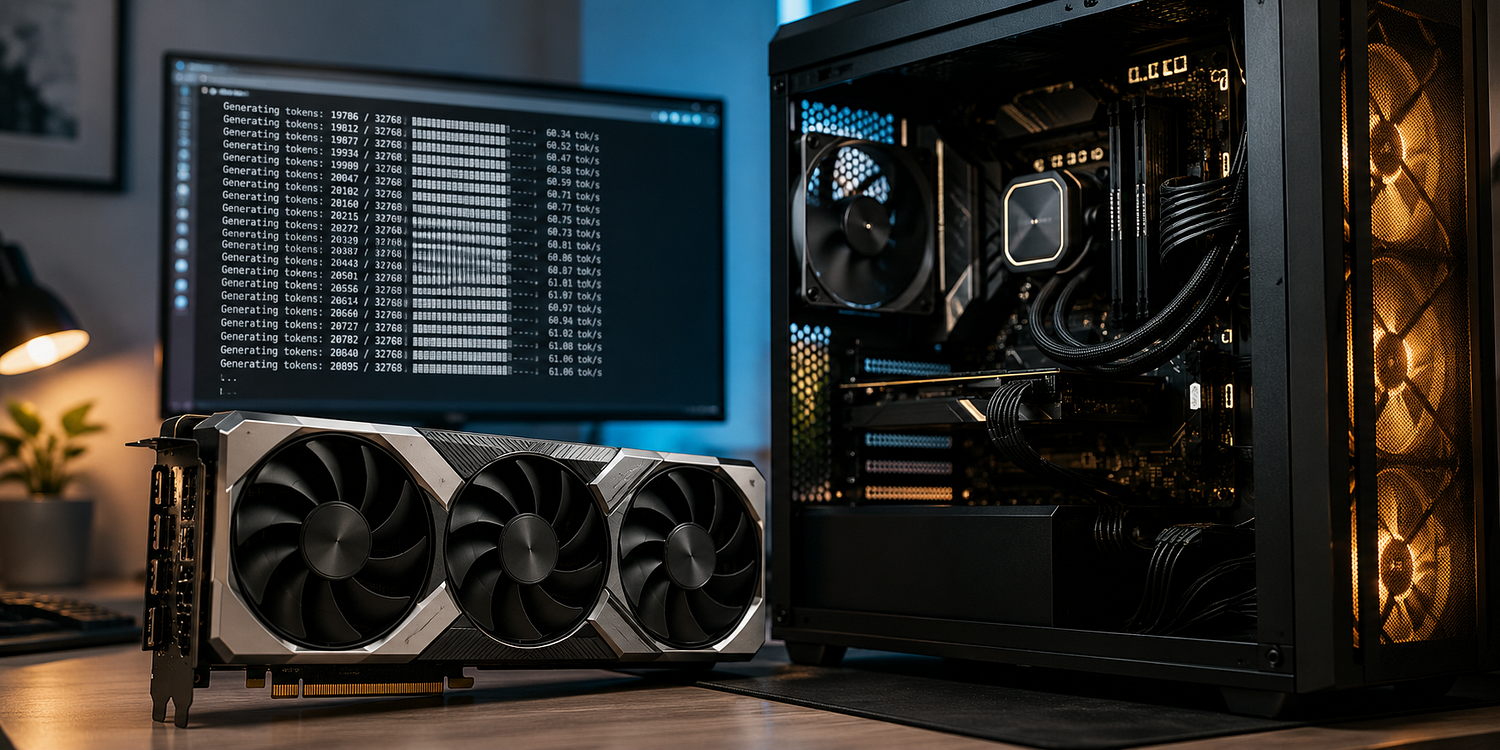
Start with the GPU everyone is asking about right now, the RTX 5090. It launched at $1,999 and by mid 2026 was typically selling in the $1,800 to $2,000 range at retail, though demand has pushed street prices well above that on secondary markets in some periods. It carries 32GB of GDDR7 memory with 1,792 GB/s of bandwidth, a 78% jump over the RTX 4090’s 1,008 GB/s. That bandwidth number matters more than almost any other spec on the card, because token generation in an LLM is overwhelmingly a memory bandwidth problem, not a raw compute problem. The GPU spends most of its time pulling model weights out of memory, not crunching math on them. A card that moves data faster generates tokens faster, roughly in proportion to the bandwidth gap.
In practice that means a 5090 handles a 70B model at Q4 quantization at somewhere around 50 to 55 tokens per second, compared to roughly 36 tokens per second on a 4090. On smaller 7B models the gap narrows to something like 10 to 15%, because you’re less memory constrained at that size. If you’re only ever running 7B to 14B models, a 4090, or even a used 3090 at $800 to $1,000, gets you most of the way there for a fraction of the cost.
Step above the 5090 and the market gets serious fast. The RTX PRO 6000 Blackwell, the first professional card with 96GB of GDDR7 ECC memory at something close to retail availability, opens the door to running a 70B model at full FP16 or a 109B class mixture of experts model at Q4, all on one card. Independent benchmarks from DatabaseMart put it at around 829 tokens per second on a 32B model at FP16 and 1,525 tokens per second on a 120B model at 4 bit quantization, using vLLM. That’s a genuinely different tier of hardware, and it’s priced like one.
Then there’s the data center class silicon: H100, H200, and now B200 and B300. A single H100 80GB costs roughly $30,000 to $40,000 to buy outright, and a full DGX H100 system with eight GPUs, networking, and storage runs $350,000 or more. Nobody is buying that hardware to run a personal chatbot. That’s infrastructure for organizations training models or serving inference at a scale where the economics of ownership actually pencil out, and even then most teams rent first and buy later, if they buy at all.
The unglamorous costs of owning hardware locally are easy to skip past in a spec sheet. A 5090 alone draws 575 watts, and Nvidia recommends a 1,000W or better power supply to run one without voltage sag under sustained load. That’s real electricity, real heat, and in an apartment or small office, real noise. None of that shows up in the sticker price, but it shows up on your utility bill and in how livable your workspace is with a space heater running under your desk sixteen hours a day.
The cloud market: wildly inconsistent, which is the whole point
Cloud GPU pricing in 2026 is not one number. It’s a spread wide enough to make comparison shopping genuinely worth your time. Tracking data across dozens of providers shows H100 rental rates ranging from around $0.34 an hour on spot instances up to nearly $15 an hour, with an average closer to $3.60. The median across a broader index of 49 providers sits around $3.15 per GPU hour, down from over $7 in early 2024.
The gap between what are informally called neoclouds, smaller specialized GPU providers like Vast.ai, RunPod, Lambda Labs, and Thunder Compute, and the big hyperscalers, AWS, Google Cloud, and Microsoft Azure, is not small. Neocloud H100 pricing regularly lands in the $1.50 to $3.00 per hour range. Azure’s on-demand H100 pricing has been quoted as high as $6.98 an hour for the same physical chip. One analysis found hyperscaler prices running three to six times above neocloud floors for identical Hopper generation silicon. If you’re renting H100s from a major hyperscaler without checking a neocloud first, you are very likely overpaying for hardware that is, at the silicon level, identical.
The newer H200, with 76% more memory than the H100, has in some cases already undercut H100 pricing. FluidStack has listed H200 as low as $2.30 an hour, while the cohort median across providers sits closer to $4.11, and Azure again sits at the top of the range near $13.78. For memory bound inference workloads, where the model’s context window and KV cache are what strain your hardware rather than raw compute, the H200’s extra memory can make it the better value even at a similar or higher hourly rate than an H100.
The RTX 5090 shows up in the cloud market too, and this is where the buy versus rent line gets genuinely interesting for smaller workloads. Spheron has listed the 5090 at $0.76 an hour, delivering around 3,500 tokens per second on Llama 3.1 8B in FP16, which works out to roughly six cents per million tokens, beating out the 4090, A100 80GB, and even H100 PCIe on the same platform for that model size. That’s the kind of number that makes renting look almost silly to argue against for short, bursty workloads.
Where the crossover actually happens
Here’s the part that most comparisons skip: the answer to “rent or buy” is a function of how many hours a month your GPU is actually working, not a fixed philosophical stance.
Take the RTX 5090 as the benchmark card, since it’s the one most people running serious local inference are actually considering right now. At roughly $1,900 to buy and around $0.76 to $1.00 an hour to rent an equivalent card in the cloud, you’re looking at somewhere between 1,900 and 2,500 hours of cloud rental before ownership starts winning on pure compute cost. At 8 hours a day, that’s roughly 8 to 10 months of consistent daily use. At 2 hours a day, more realistic for someone experimenting on evenings and weekends, that stretches past three years, well past the point where a newer, faster card will have made your 5090 look dated anyway.
For H100 class hardware the math shifts even further toward renting for almost everyone outside of a company running training jobs around the clock. At $30,000 to $40,000 to buy versus $1 to $3 an hour to rent from a competitive provider, you’d need somewhere in the neighborhood of 10,000 to 40,000 hours of rental, over a year of continuous 24/7 usage, before ownership even starts to make sense. And that ignores depreciation, the fact that a next generation chip is usually a year or two away, and the very real risk that your workload doesn’t stay constant enough to keep that expensive card busy.
One infrastructure-focused guide put it plainly: rent if you run workloads fewer than 40 hours a week, need the flexibility to scale up or down, or want to avoid a five figure capital outlay. That threshold, somewhere around a normal work week’s worth of usage, is a reasonable rule of thumb whether you’re talking about consumer or data center hardware. Below it, renting wins on cost and flexibility. Above it, especially with fixed, predictable workloads, ownership starts to make sense, assuming you also value not depending on a third party’s pricing decisions or uptime.
What each option actually feels like to use
The cost math only tells part of the story. The two approaches also differ in ways that matter day to day.
Running a model locally on your own GPU means your data never leaves your machine. For anyone working with anything sensitive, whether that’s proprietary code, client data, or personal information, that’s not a minor detail, it’s often the entire reason to go local in the first place. It also means no network latency, no queueing behind other tenants’ jobs, and no surprise when a provider changes its pricing tier or discontinues an instance type you’d built a workflow around. The tradeoff is that you own the failure modes too. If your card dies, you’re down until you fix or replace it. If a new model needs more VRAM than you have, you’re stuck waiting for quantization tricks to catch up or buying new hardware.
Cloud rental flips all of that. You can spin up an H200 for a two hour fine tuning run and shut it down when you’re done, paying only for what you used. You can scale from one GPU to sixty for a training job and back down to zero the next day, something that’s simply not possible with owned hardware. The tradeoff is that your data is transiting to someone else’s infrastructure, your costs are variable and can spike if you’re not watching usage carefully, and you’re at the mercy of provider pricing, which the data above shows can vary by a factor of ten or more for the exact same chip depending on who you rent from.
There’s also a practical middle path that a lot of people skip past: reserved or committed cloud pricing. Together AI’s June 2026 rate card lists reserved H100 access at $3.09 an hour for a 91 to 180 day commitment, landing between the cheapest neocloud spot rates and the most expensive hyperscaler on-demand pricing. If you know you have a sustained but not permanent need, six months of fine tuning work, say, a reserved instance can capture much of the savings of ownership without the capital outlay or the risk of holding hardware that depreciates the moment a new architecture ships.
The software layer changes the comparison too
None of this math matters if the software stack doesn’t cooperate, and that’s a place where local and cloud setups diverge in ways the pricing tables don’t show.
Running locally, your toolchain is your problem. Ollama and llama.cpp have made single-GPU inference close to plug and play, but the moment you want to serve multiple concurrent requests efficiently, you’re looking at vLLM or SGLang, both of which expect you to understand batching, KV cache management, and quantization formats well enough to tune them yourself. Get it wrong and a card that should deliver 50 tokens per second on a 70B model delivers half that, because you never learn that from a spec sheet, you learn it by profiling your own setup. FP4 support on the Blackwell generation cards, the 5090 included, opens up more aggressive quantization than was practical on Ada Lovelace hardware, but the tooling to take advantage of it is newer and less battle tested than the FP16 and INT8 paths most guides still default to.
Cloud providers, particularly the ones aimed at AI workloads specifically, have mostly absorbed that complexity. RunPod, Together AI, and similar platforms ship pre-configured templates for vLLM and SGLang that get you to a working, reasonably tuned endpoint in minutes rather than days. That convenience is part of what you’re paying the hyperscaler premium for, even if the underlying chip is identical to what a neocloud offers at a third of the price. It’s worth being honest with yourself about whether you actually want to own that tuning problem before you commit to buying hardware, because a badly configured local setup can easily underperform a well configured cloud instance running on cheaper, older silicon.
Electricity, depreciation, and the costs that don’t show up in a spec sheet
The break-even numbers above only account for the sticker price of the card against the hourly cloud rate. A full accounting has to include what it costs to actually run the thing.
A 5090 pulling 575 watts for eight hours a day, every day, at a typical US residential electricity rate around 15 cents per kilowatt-hour, adds up to roughly $2.50 a day, or somewhere around $75 a month, just in power. That’s before you count the added draw from the rest of the system or the cooling load in a warm climate. It’s not a dealbreaker, but it quietly erodes the ownership advantage in the break-even calculation, especially for anyone running the card near its power limit for extended training or fine tuning jobs rather than light inference.
Depreciation is the other cost that’s easy to ignore until you try to sell the card two years later. The RTX 4090 launched at $1,499 in 2022 and by 2026 was trading used around $999, a roughly one third loss in value over four years, and that’s for a card that’s held up unusually well given how directly applicable it turned out to be for AI workloads nobody was thinking about at launch. There’s no guarantee the next generation of consumer cards follows the same pattern, and a card bought specifically for LLM work is now competing against whatever Nvidia ships next with more VRAM at a similar price point. Ownership is a bet that your usage will outlast that curve, and for anyone running workloads under the 40 hour a week threshold, it’s a bet you don’t need to make.
A framework, not a verdict
If you’re an individual experimenting with local models on evenings and weekends, running anything up to a 32B model, a used RTX 3090 or a new RTX 5090 will comfortably outlast the break-even point against renting, and you get the privacy and no-queue benefits as a bonus. If you’re a small team doing periodic fine tuning runs on 70B class models, cloud rental from a neocloud provider, checked against at least two or three competitors given how wide that pricing spread is, will almost always beat buying unless you’re running near-constant workloads. If you’re serving inference to real users at meaningful volume, the honest answer is to model your actual expected utilization in hours per month, price it against both neocloud and reserved hyperscaler rates, and only consider ownership once you’re consistently above the roughly 40 hour a week threshold that separates occasional use from genuine infrastructure.
The one mistake to avoid either way is assuming the first price you see, whether that’s a GPU’s MSRP or a cloud provider’s on-demand rate, reflects the market. Both have proven to be the least reliable number in this entire comparison. Check three providers before you rent. Check used prices before you buy new. And revisit the math every few months, because in a market where H100 rental rates dropped from over $7 an hour to closer to $3 in under two years, the right answer for your workload today may not be the right answer in six months.