I still remember the first time I tried loading a 70B parameter model on a friend’s gaming rig with an RTX 4090 in it this was before the 5090 even existed, so don’t laugh. Card cost him close to two lakh rupees or 2000$. And the model just… wouldn’t load. “Out of memory” error, simple as that. Meanwhile my colleague was running the same model on a Mac Studio that cost less, sipping power like a laptop charger. That moment is when I actually understood what “unified memory” means in practice, not just as a marketing term Apple puts on a slide.
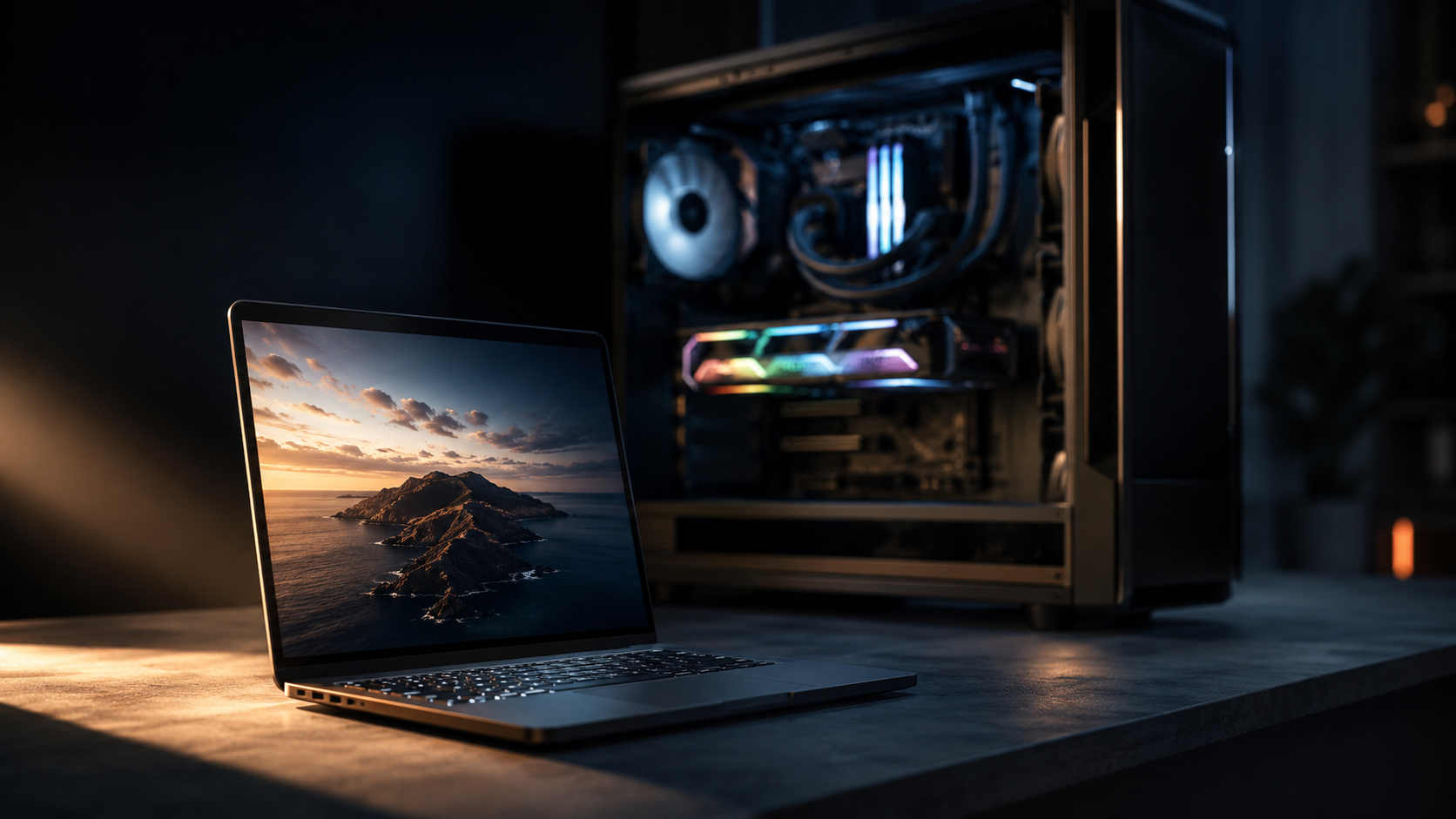
This isn’t a Mac fanboy article, by the way. I use both. But the way Apple solved the memory problem for AI workloads is genuinely worth understanding, especially right now in mid-2026, with NVIDIA’s RTX 5090 sitting at the top of the consumer stack and Apple’s next desktop chip, the M5 Ultra, still stuck in rumor territory as I write this. So let’s get into it: what unified memory actually is, why it gives Apple Silicon such an edge for LLMs specifically, and where the whole story falls apart if you try to apply it to other things, like gaming.
The Basic Problem With Traditional PC Memory
On a normal Windows or Linux PC, you’ve got two separate pools of memory. Your CPU has system RAM say 32GB of DDR5 sitting in slots on the motherboard. Your GPU, if you have a discrete one like the RTX 5090, has its own separate memory called VRAM, soldered directly onto the graphics card. The RTX 5090 ships with 32GB of GDDR7 VRAM. These two pools don’t talk to each other directly.
When you want the GPU to do something render a game frame, or process an AI model data has to physically move from system RAM, across the PCIe bus, into VRAM. Then the GPU works on it. Then if the CPU needs the result back, it goes the other way. This copying takes time and it’s not free in terms of latency or power.
For gaming this isn’t really a big deal. Games are built around the idea that textures and assets get loaded into VRAM once per scene, and 32GB is genuinely a lot for that purpose. But for large language models, this fixed ceiling becomes the entire story. A 70B parameter model at a decent quantization level (Q4, roughly) needs somewhere around 40GB just to hold the weights. That doesn’t fit in a single RTX 5090, even with its bigger 32GB buffer. Doesn’t matter how fast the card is, if the model can’t fit in VRAM, you can’t run it. Full stop.
People get around this with multi-GPU setups, running two or even four cards together to pool VRAM. But this isn’t actually a unified memory pool each GPU accesses its own chunk separately, and it requires explicit multi-GPU configuration in software like vLLM or llama.cpp using tensor parallelism. It works, but it’s messy, power-hungry, and honestly a pain to set up correctly.
What Apple Actually Did Differently
Apple Silicon M1 through M5 now throws out the two-pool idea entirely. Unified memory is a shared pool that the CPU, GPU, and Neural Engine all access at the same time, which means there’s no need to copy data between separate memory areas. It’s all just… one pool. The CPU sees it. The GPU sees it. The Neural Engine sees it too if it needs to.
This sounds simple when you say it like that, but the engineering behind it isn’t trivial. Apple achieves this because the M-series chips are System on a Chip designs the CPU cores, GPU cores, Neural Engine, and memory controllers are all on the same piece of silicon, or at least the same package. The RAM itself sits extremely close to the chip, on package, connected through a wide memory bus instead of the narrower channels you’d find on a typical motherboard.
Here’s the part that actually matters for LLMs: when you buy a Mac with, say, 64GB of unified memory, basically all of that 64GB is available to whatever workload needs it most at the time. Roughly 70 to 75 percent of your total unified memory ends up usable for model weights specifically the rest goes to macOS itself, the inference engine you’re using, the KV cache, and other background stuff. So on a 64GB machine you’re looking at somewhere around 44–48GB actually available for the model. Compare that to a single RTX 5090’s hard 32GB ceiling and you can see why this still matters so much for big models, even with NVIDIA’s newer card.
A discrete GPU just can’t do this trick. Its VRAM is physically separate hardware with its own dedicated memory bus, optimized for one job feeding the GPU as fast as possible. An RTX 5090 has 32GB and that’s it, period you cannot add more, you cannot borrow from system RAM without massive performance penalties (this is technically possible through something Windows calls “shared GPU memory” but it’s so slow it’s basically unusable for serious work).
The Bus Speed and Bandwidth Story (The thing which makes the difference)
Now here’s where I have to be honest about something, because a lot of articles gloss over this part having more memory available doesn’t automatically mean faster performance. Bandwidth still matters a lot, maybe more than capacity in some cases.
Memory bandwidth is basically how much data can move between the memory and the processor per second, measured in GB/s. This number, not raw compute power, is usually the bottleneck for LLM inference, because generating each token requires reading through the entire model’s weights from memory.
So how does Apple’s unified memory bandwidth stack up against the new flagship? The M5 Pro delivers around 307 GB/s, while the M5 Max ranges from 460 to 614 GB/s depending on configuration. The RTX 5090 blows both out of the water on this specific metric, its 32GB of GDDR7 runs at roughly 1,792 GB/s, nearly six times the M5 Pro’s bandwidth and still close to three times the M5 Max’s top figure. NVIDIA widened this gap considerably going from the 4090 (1,008 GB/s) to the 5090.
So wait doesn’t that mean NVIDIA just wins, full stop? Sort of, yes and no. This is the actual detail that matters and gets glossed over a lot. On a token-per-token basis, an RTX 5090 will generate text noticeably faster than an M5 Max, because it’s reading from much faster memory NVIDIA’s own numbers suggest something like a 1.5 to 1.8x inference speedup over the older 4090 purely from the bandwidth jump. Apple Silicon’s unified memory bandwidth is solid for sequential inference meaning one person, one conversation, one request at a time but the moment you’re serving multiple requests simultaneously, NVIDIA’s datacenter-class cards (the H100 SXM at around 3.35 TB/s, for instance) are in a completely different league, because memory bandwidth becomes the binding constraint when you’re processing several requests at once.
Apple achieves its bandwidth numbers through a much wider memory bus than what you’d find on a typical laptop. Instead of the narrow 64-bit or 128-bit channels common in consumer laptops, Apple uses much wider buses going up significantly on the Pro and Max chips paired with LPDDR5X memory running at high clock speeds, placed physically close to the compute dies. This is part of why the Max and Ultra variants are built as multi-die packages fusing two or four dies together (Apple calls this UltraFusion) to scale up both compute cores and memory bandwidth at the same time.
So the real story, even with the new RTX 5090 in the picture, hasn’t really changed: Apple wins on capacity by a mile. NVIDIA wins on raw speed per token by an even bigger mile now. Which one matters more to you depends entirely on what you’re doing.
Why This Specifically Helps LLMs (And Not Just “AI” in General)
I want to be precise here because this gets oversimplified a lot. The unified memory advantage isn’t really about AI in general it’s specifically about large models that need more memory than fits on a single card, and specifically about single-user, sequential inference rather than serving many users at once.
Apple Silicon wins for local LLM inference when you need large models in a power-efficient, low-cost package the M3, M4, and M5 chips let you run 70B models on-device that even a $2,000 RTX 5090 cannot fit in VRAM on its own. That’s the whole pitch in one sentence. You’re not buying speed. You’re buying the ability to run things that otherwise wouldn’t run at all on a single consumer GPU.
There’s a practical side-effect of this too that doesn’t get talked about enough power consumption. Annual electricity costs for running an LLM 24/7 come to roughly $35 to $55 on a Mac Mini, compared to $300 to $400-plus on a desktop with an RTX card pulling 450–575W under load the RTX 5090’s TDP alone is rated at 575W, more than double what most M-chip Macs draw at peak. If you’re keeping a local model up and running as some kind of always-on assistant, that adds up fast over a year.
But, and I want to flag this honestly because it tripped me up when I started testing this stuff, unified memory doesn’t help with everything equally. The Neural Engine can accelerate certain operations in CoreML-converted models, but for standard transformer inference, GPU via Metal does the heavy lifting instead. So that fancy Neural Engine Apple talks about in keynotes? It’s mostly not the thing doing your LLM inference. It’s the Metal-accelerated GPU cores, just with access to a much bigger memory pool than a typical integrated GPU would normally get.
Fine-tuning is a different story entirely, and this is the one place I’ll admit Apple Silicon genuinely struggles. Someone who ran QLoRA fine-tuning on MLX described it working fine for one specific model architecture, but hitting a wall the moment they switched to a different one, while the same experiment on CUDA took twenty minutes to set up. Training and fine-tuning workflows are still built around CUDA as the default, and Apple’s MLX framework, while improving fast, is still young compared to the PyTorch and CUDA ecosystem that’s had over a decade of development. For anyone doing serious fine-tuning work, an RTX 5090 running QLoRA on a 13B to 34B model is still the practical home-lab standard right now.
The M-Chip Lineup, The timeline and Upgrades
Quick rundown so this makes sense if you’re chip-naming-confused (I was, for a while). Apple’s M-series comes in tiers within each generation, base chip, Pro, Max, and sometimes Ultra. Each step up roughly doubles the GPU core count and memory bandwidth of the one before it, by combining more silicon dies or just scaling up the design.
Here’s where I need to be upfront about timing, because it changes the buying advice quite a bit. As of today, mid-June 2026, the M5 generation has shipped on the MacBook Pro and Mac Mini in base, Pro, and Max trims, the M5 Pro supports up to 64GB of unified memory and up to a 20-core GPU, with the M5 Max going further still. But the desktop-class Mac Studio, which is where people running the biggest local models usually land, has NOT been refreshed yet. It’s still selling with last year’s chips, M4 Max or M3 Ultra — going into this WWDC season. Apple was widely expected to reveal an M5 Ultra-powered Mac Studio at WWDC on June 8, but it didn’t happen at the keynote, and recent reporting points to a delay, possibly to around October 2026, blamed on a global DRAM shortage that’s squeezing high-memory configurations across the whole industry, not just Apple.
The rumored specs for that chip are genuinely big if they hold up a 36-core CPU, somewhere around 80 GPU cores built by fusing two M5 Max dies together, up to 256GB or even 512GB of unified memory depending on which leak you believe, and bandwidth north of 1,000 GB/s. That would put it in a different league entirely for running massive models think 70B at full FP16 precision, or 120B-plus models without aggressive quantization. But none of that is shipping yet. If you’re reading this and thinking about buying a Mac Studio for AI work specifically, it might genuinely be worth waiting a few months to see if Apple actually ships the M5 Ultra version, rather than buying into the current M3 Ultra lineup right now.
One thing I’ll say plainly regardless of which generation you land on: 16GB Macs are basically not worth considering if AI work is your actual goal. 24GB should be treated as the bare minimum, with 48GB being a more realistic sweet spot for anyone who wants headroom. And remember you cannot upgrade this later. The memory is soldered to the package at purchase time. Buy for where you think you’ll be in two years, not where you are right now.
Now, About Gaming, Does Mac still win?
This is the part of the article where I have to admit I’m genuinely not 100% sure, and the data itself is kind of messy and contradictory depending on which source you check (which, by the way, is a very normal thing to run into when researching anything chip-related in 2026 half the “benchmarks” floating around are from Reddit threads with estimated numbers, not actual lab tests).
The unified memory advantage for LLMs does NOT translate cleanly into a gaming advantage, and I want to be upfront about that instead of pretending the story is simple. At the 1080p gaming level, the fastest M5 laptop configurations can get close to 80–85% of a mid-range NVIDIA laptop GPU’s performance in well-optimized Metal-based titles, while using a fraction of the power. That’s genuinely impressive from an efficiency standpoint.
But move up the GPU ladder and the gap widens fast, and the RTX 5090 isn’t even the relevant comparison here it’s a 575W desktop monster built for 4K gaming and AI compute, not something Apple’s laptop chips are realistically chasing. In Cyberpunk 2077 at 1080p, a base M5 configuration might sit around 35–40 FPS at medium-high settings, while even older mid-range NVIDIA laptop cards comfortably hit 70–90+ FPS at similar or higher presets. There are scattered, unverified Reddit-sourced claims floating around suggesting the M5 Max can beat certain laptop RTX cards in specific titles with upscaling enabled, but without knowing the exact GPU core count or whether MetalFX frame generation was turned on, I’d take those with a fair amount of salt.
The honest summary, as far as I can tell: Apple’s GPU cores have gotten dramatically better generation over generation, and they’re now legitimately competitive with mid-range laptop GPUs in efficiency-per-watt terms. But a MacBook still can’t really stand toe-to-toe with the broader Windows gaming scene, partly because of raw silicon, and partly because and this matters more than people think Apple’s ecosystem just doesn’t support as many game titles natively. You can have all the unified memory in the world; it doesn’t help if the game wasn’t built for Metal in the first place and has to run through a translation layer.
There’s also a new wrinkle worth mentioning since it’s extremely fresh news as I write this NVIDIA just unveiled something called RTX Spark at Computex earlier this month, a Windows-on-ARM chip aimed squarely at the same space Apple Silicon plays in: a unified-memory design (128GB on the top config) meant for both AI workloads and gaming on thin laptops and compact desktops. NVIDIA’s own claims, which obviously need independent verification once review units ship in autumn 2026, suggest it can run 120B-parameter models locally and still push AAA games above 100 fps at 1440p with DLSS help. If that holds up even partially, it’s NVIDIA explicitly going after Apple’s “one big memory pool” pitch while keeping its gaming and CUDA advantages intact. Worth watching, not worth buying yet, since nothing’s actually shipped.
Read the article here:
So this happened today. Literally today — June 1, 2026 — Jensen Huang walked onto a stage at the Taipei Music Center…pub.towardsai.net
So is unified memory only an LLM thing? No, not exactly it does help other memory-hungry creative work too, things like 4K video editing in Final Cut or large Photoshop files, where having one big shared pool avoids the same copy-between-memory-pools problem. But for gaming specifically, raw GPU compute and driver-level game optimization still matter more than memory architecture, and that’s still NVIDIA’s home turf, at least until RTX Spark actually lands and gets properly tested.
So Which One Should You Actually Buy, Right Now
Depends entirely on what you’re doing, and I know that’s an unsatisfying answer, but here it is straight: if you want to run big local LLMs 70B-class models, multimodal stacks combining vision and text and speech and you don’t want to deal with multi-GPU configuration headaches, get a Mac with as much unified memory as you can afford. 48GB minimum, 64GB or more if your budget allows. If you specifically need desktop-class capacity for 70B+ models, it’s worth holding off a few months to see whether the M5 Ultra Mac Studio actually ships this year, rather than buying into the outgoing M3 Ultra lineup today.
If you’re doing serious fine-tuning work, need maximum tokens-per-second for a single model, or want to play modern AAA games at high settings, a Windows or Linux box with an RTX 5090 (or even a 4090, which has gotten noticeably cheaper on the used market) is still the better call. The CUDA ecosystem isn’t going anywhere soon, and gaming is still gaming’s home turf for NVIDIA, at least until RTX Spark gets real reviews behind it.
And if you’re trying to do a bit of both well, that’s basically what I do. I keep the Mac for daily LLM experimentation and writing code, and I still have a PC sitting under my desk for the heavier stuff. Not the most elegant setup, but it works for me. Your mileage, as they say, will vary, and honestly this whole space is moving fast enough right now that whatever I write today might need an update again in three months.