So GitHub got hacked. And I don’t mean some random user’s account or a third-party integration at the edges I mean GitHub’s own internal code repositories. The company that basically runs the world’s version control got its private source code stolen. All of it still being investigated today, May 20, 2026, and honestly the investigation is not done yet so nobody knows exactly how bad it is.
I’ve been following this since yesterday when TeamPCP started making noise on cybercrime forums. Let me just tell you what happened, what’s still unclear, and what you should actually do about it.
How It Started — One Extension, One Employee
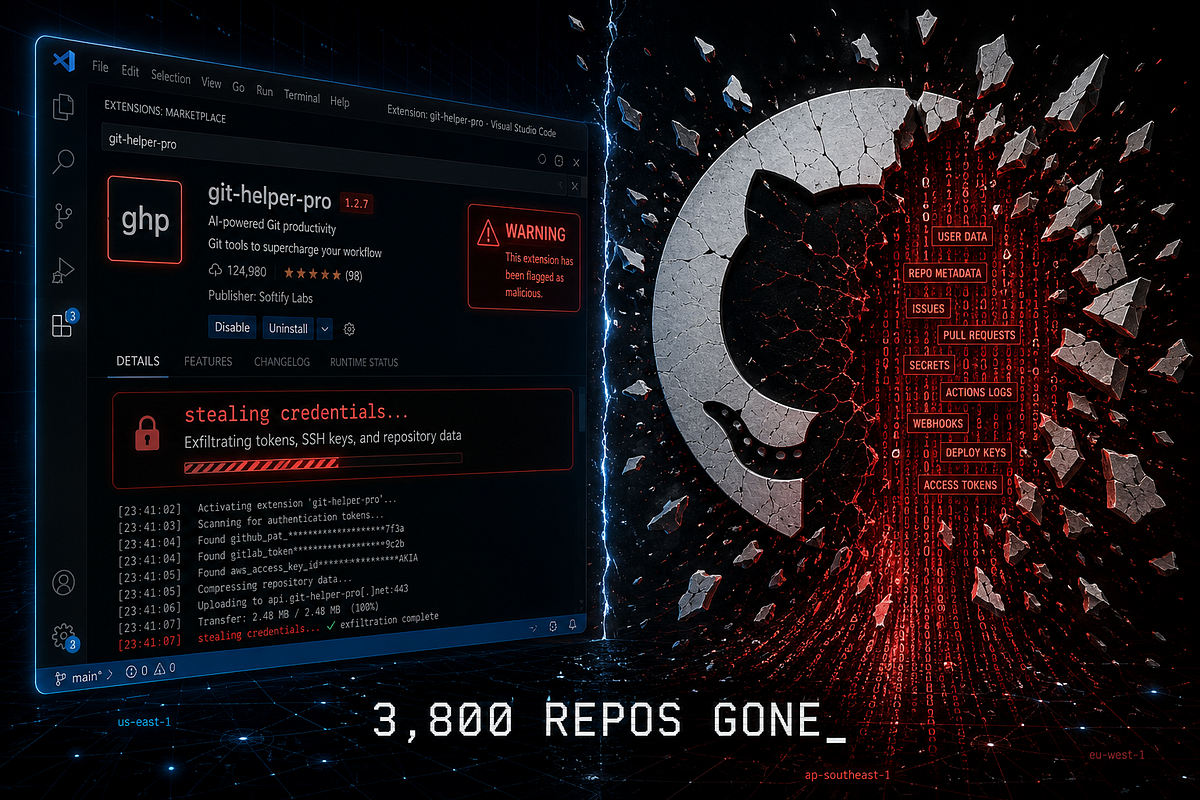
The entry point was almost boring in how simple it was. A GitHub employee installed a poisoned VS Code extension. That’s it. That single install gave the attacker access to the employee’s device, and from there they got into GitHub’s internal repositories.
No fancy zero-day. No nation-state infrastructure attack. Someone clicked install on an extension.
GitHub confirmed the breach and said the attacker’s claims of around 3,800 repositories are “directionally consistent” with what their investigation found so far. The group responsible is called TeamPCP. They’ve claimed credit on underground cybercrime forums and are reportedly trying to sell the dataset for over $50,000. If no buyer shows up, they’ve said they’ll just leak it.
GitHub acted fast once they spotted it. The platform confirmed it isolated the infected device, removed the malicious VS Code extension, and spent the night rotating high-impact credentials. They say customer repositories and enterprise accounts are not affected — at least as far as they can tell right now. That last part is important. The investigation is ongoing. Things can change.
What was in those 3,800 internal repos? Proprietary platform source code, internal tooling, organization files. The kind of stuff you really don’t want people outside the company to have. Whether it contains anything that helps future attackers get deeper into GitHub’s infrastructure nobody knows yet.
This Wasn’t One Event. It Was the Third in Six Weeks.
This is the part that I think most of the coverage is underselling.
The GitHub breach on May 20 is actually the third major GitHub-related security event in the past six weeks. And the other two were not small.
Back in late April, security researchers at Wiz found CVE-2026–3854. By exploiting an injection flaw in GitHub’s internal protocol, any authenticated user could execute arbitrary commands on GitHub’s backend servers with a single git push command — using nothing but a standard git client. Wiz says millions of public and private repositories were accessible on the affected nodes. GitHub fixed it on GitHub.com within six hours of the report. But the Enterprise Server version is a different story — at the time of writing, 88% of GitHub Enterprise Server instances are still vulnerable. Admins need to upgrade to GHES version 3.19.3 or later.
Then on May 16, Grafana Labs disclosed that attackers had stolen their entire private source code. The threat actor, identified as the “CoinbaseCartel” group, attempted extortion after getting in through a compromised GitHub token obtained via a CI/CD pipeline vulnerability.
So in roughly five to six weeks: a critical RCE affecting millions of repos, a major open-source project’s full source code stolen, and now GitHub’s own internal codebase in someone else’s hands. That’s not bad luck. That’s a pattern.
The VS Code Extension Problem Is Bigger Than You Think
I want to spend a minute on this because I think most developers are still underestimating it.
Just one day before the GitHub breach was confirmed, the Nx Console VS Code extension which has 2.2 million installs and a verified publisher badge was briefly backdoored. The malicious version collected credentials silently from the moment a developer opened any workspace. The community caught it quickly and the version was pulled within 18 minutes on the VS Code Marketplace and 36 minutes on Open VSX.
18 minutes. That’s how long a poisoned extension with 2.2 million users was live. And in that window, any developer who opened their editor and had auto-update on… yeah.
These are not sketchy packages from unknown publishers. They are tools developers use without thinking twice — precisely because of the install count, the verified badge, the marketplace legitimacy. That signal is now the target.
TeamPCP specifically goes after this. Security expert Mackenzie Jackson from Aikido Security noted that TeamPCP has compromised Trivy, Checkmarx, Bitwarden CLI, TanStack, and now GitHub — all in 2026, all through developer tooling.
And the worm they use to automate it, called Mini Shai-Hulud, largely automates supply chain attacks by stealing CI/CD credentials and using them to publish infected versions of further packages. So once they get in one place, the worm does the spreading. It’s actually kind of impressive in a terrible way.
What’s Still Not Clear
I want to be upfront about this. A lot of the coverage right now is writing as if we have the full picture. We don’t.
GitHub’s statement says customer data is not affected “based on our current assessment.” That’s not a clean all-clear. The investigation is still running as I write this. We don’t know which VS Code extension specifically was the poisoned one GitHub hasn’t named it publicly. We don’t know how long the attacker had access before detection. We don’t know what exactly was in those 3,800 repos and whether any of it helps attackers get back in through some other path.
Also, TeamPCP says they have around 4,000 repos. GitHub says around 3,800. Small difference, but it means their counts don’t perfectly match, so the investigation is still piecing things together.
I’ll be updating this as more comes out. But right now, mid-day on May 20, this is what we actually know.
What You Should Do, Practically
Let’s get to the useful part. Whether you’re a solo developer, part of a team, or someone managing engineering infrastructure, here’s what actually matters right now.
If you use GitHub for personal or team projects — your repos are not affected based on what GitHub has confirmed so far. But this is a good moment to check if you have any API keys, tokens, or passwords stored in plain text inside any repository, public or private. Yes I know you’re not supposed to, but come on, we’ve all done it at least once. Check your .env files, old commits, config files. GitHub’s secret scanning catches a lot of this automatically on public repos, but private repos depend on your settings.
Rotate your GitHub personal access tokens. I know it’s annoying. Do it anyway. It takes five minutes and if any of those 3,800 internal repos had tokens that can interact with the broader GitHub API — and it’s reasonable to assume at least some did — fresh tokens are just safer.
Audit your VS Code extensions. This is the one most developers skip. Go to your extensions list right now and remove anything you installed once for some tutorial and forgot about. For anything you still use, check when it was last updated and by whom. Extensions with 10 or 100 installs from accounts created two weeks ago are worth removing. But as the Nx Console situation showed, even well-known extensions can get hit. The attack model only needs minutes, not days.
Disable auto-update on VS Code extensions. This is honestly the most underrated thing. Auto-update is convenient but it means a poisoned new version gets installed silently the next time you open your editor. Turning it off means you’re in control of when you update, giving you time to see if anything weird shows up in the community before you install.
If you’re running GitHub Enterprise Server — stop reading this and go patch first. Upgrade to GHES version 3.19.3 to fix CVE-2026–3854. Eight out of ten instances are still vulnerable. That’s a bad number.
Check your CI/CD pipelines. Are your build logs storing tokens in plain text? TeamPCP’s Bitwarden CLI compromise in April 2026 was pulled off by leaking a short-lived npm token in plain text inside a build log. This is a very common mistake. Go check your GitHub Actions logs.
The Bigger Problem Here
Honestly, the VS Code extension being the entry point is almost secondary to the underlying issue.
Developer workstations are basically trusted inside every company’s security model. If you’re an engineer, your machine probably has production credentials, staging environment access, AWS keys, access to internal tools — all of it. And that machine runs whatever extensions you install from a marketplace where, technically, anyone can publish.
The security perimeter doesn’t end at the datacenter door — it ends on the developer’s laptop. Most security teams have invested heavily in server hardening, network monitoring, cloud IAM policies. But the developer’s local machine is often the gap. And the attackers have figured this out.
GitHub is one of the best-resourced engineering companies on the planet. Their security team is not bad — they responded in hours, rotated credentials the same night, and had a public statement up before most people even saw the news. But it still happened. That should tell you something about how hard this specific attack surface is to defend.
The trend for the rest of 2026 and beyond is pretty obvious at this point. Supply chain attacks through developer tools — VS Code extensions, npm packages, GitHub Actions, CI/CD credentials — are going to keep increasing. The reason is simple: targeting a developer’s machine gives access to everything downstream. One infected extension on one employee’s laptop gave TeamPCP 3,800 of GitHub’s internal repositories.
So. Rotate your tokens. Audit your extensions. Patch your Enterprise Server. And maybe don’t install that “helpful formatter” extension from an account with 12 followers and no other activity.
The investigation is still ongoing. I’ll update this when GitHub releases more details.