I spent about three weeks last year trying to get a PyTorch model to train on an AMD GPU. I had the hardware, I had the code, I had the data. What I didn’t have was a working ROCm setup that didn’t randomly crash every four hours. I got it working eventually, but the whole experience taught me more about how GPU compute actually works than any tutorial ever did.
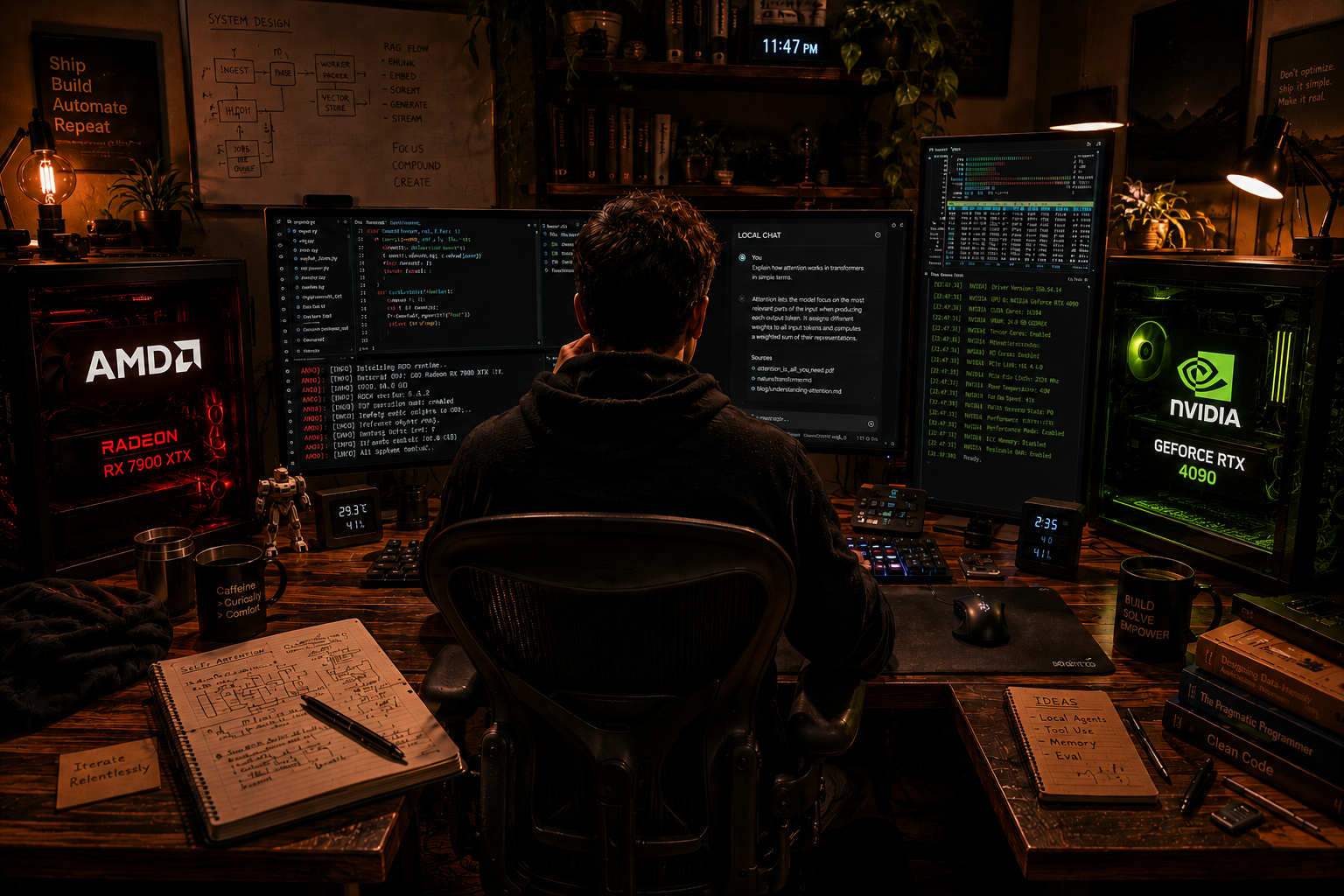
So here’s what I wish someone had explained to me before I started what CUDA and ROCm are, why they exist, how they’re different, and when you should care about one versus the other.
What’s Actually Happening When a GPU Does AI Work
Before I get into the two platforms, let me explain the basic idea. When you train a neural network or run inference on one — you’re doing a massive number of matrix multiplications. Like, billions of them. Your CPU can do this, but it’s slow because a CPU has maybe 16 or 32 cores that do things one after another. A GPU has thousands of smaller cores that can do lots of things at the same time.
But the GPU doesn’t just magically know how to run your Python code. You need a layer of software sitting between your PyTorch or TensorFlow code and the actual GPU hardware. That layer is what CUDA and ROCm are. They’re platforms collections of libraries, compilers, and tools — that let software talk to the GPU.
CUDA is NVIDIA’s platform. ROCm is AMD’s. That’s the simple version.
CUDA: Why Everyone Uses It
CUDA came out in 2007. NVIDIA built it and has been improving it since then, so it has about 17 years of development behind it. That’s a long time in software terms.
The reason basically every AI framework defaults to CUDA is not just that it’s old. It’s that the whole ecosystem got built around it. PyTorch, TensorFlow, JAX, cuDNN, TensorRT — everything was either made by NVIDIA or heavily optimized for NVIDIA GPUs early on. Libraries like cuDNN (for deep learning operations) and cuBLAS (for matrix math) are tightly tuned for CUDA hardware. When you install PyTorch with GPU support, what you’re actually doing is installing the CUDA version.
The RTX 4090, RTX 5090, A100, H100 all NVIDIA cards, all running on CUDA. If you’ve ever seen someone mention a “GPU cluster for AI training,” it almost certainly means a bunch of NVIDIA cards running CUDA code.
CUDA also has something called Tensor Cores — special hardware units on NVIDIA GPUs that are built specifically for the kinds of math AI training needs. The A100 and H100 have newer versions of these (called Transformer Engine in the H100) that handle FP8 precision, which is a big deal for training large models efficiently.
The frustrating part about CUDA is the cost. An H100 goes for around $25,000 to $30,000 if you can even find one. Even the “budget” option for serious AI work, the RTX 5090, runs about $2,600. That’s a lot of money, and for a lot of people and companies, it puts the best CUDA hardware out of reach.
ROCm: AMD’s Answer
ROCm stands for Radeon Open Compute. AMD released it around 2016 and has been pushing it harder over the last three years as AMD GPU hardware got more competitive.
The idea is similar to CUDA it’s a platform that lets software run on AMD GPUs. ROCm has its own libraries that are meant to mirror what CUDA offers. rocBLAS mirrors cuBLAS. MIOpen mirrors cuDNN. There’s also HIP(Heterogeneous-compute Interface for Portability), which is AMD’s API that’s designed to look a lot like CUDA so that porting code isn’t completely impossible.
In theory, ROCm sounds great. AMD hardware is cheaper. The RX 7900 XTX, which is AMD’s current top consumer GPU, costs around $900 as of May 2026. The MI300X, AMD’s data center GPU, is significantly cheaper than an H100 and has a larger memory bus 192GB HBM3 on the MI300X vs 80GB on the H100. For certain workloads that are limited by memory bandwidth, this matters a lot.
PyTorch added ROCm support a few years back and it actually works for many standard training tasks. If you go to the PyTorch install page, you’ll see options for CUDA 11.8, CUDA 12.1, and ROCm 5.7 or 6.0. So officially, it’s supported.
The problem is that “officially supported” and “works the same as CUDA” are two different things.
Where ROCm Actually Falls Short
I’m going to be direct here: ROCm is not as smooth as CUDA yet. Not even close, if I’m being honest.
The biggest issue is library coverage. CUDA has a massive collection of optimized libraries built up over 17 years. ROCm’s equivalents exist but are not always as fast or as complete. FlashAttention — which is a highly optimized attention implementation that most transformer training runs on now had CUDA support from the beginning. ROCm support came later and still has some limitations depending on the specific GPU model and ROCm version you’re running.
Driver issues are also real. When I was trying to set up ROCm on Ubuntu 22.04 last year with an RX 9060 XT, I ran into a version mismatch between the ROCm runtime and the kernel module that took me two days to sort out. NVIDIA’s drivers are not perfect either, but they have a lot more people using them and a lot more documentation covering common problems.
Also: not all AMD consumer GPUs are officially supported by ROCm. As of ROCm 6.1 (released earlier this year), the officially supported consumer cards are mostly the RX 7000 and RX 9000 series. Older cards? You’re on your own, which usually means community-maintained workarounds that may or may not work on the latest ROCm version.
The software ecosystem gap is real too. Things like NVIDIA’s TensorRT for inference optimization, or NCCL for multi-GPU communication, don’t have ROCm equivalents that are quite as mature. AMD has RCCL (a fork of NCCL) and MIGraphX for inference, but if you look at benchmarks for multi-GPU training at scale, NVIDIA still wins by a noticeable margin.
Performance: Who Actually Wins?
The honest answer is it depends on the workload, but CUDA generally wins for AI specifically.
For training large transformer models which is what most serious AI work involves these days NVIDIA’s H100 and A100 are faster than anything AMD has in the data center. The H100 with FP8 training can do around 3.9 petaFLOPS of tensor operations. AMD’s MI300X does around 1.3 petaFLOPS in comparable precision. That’s not a small gap.
But for inference, and for memory-bound tasks, the MI300X actually looks competitive. Its 192GB of memory means you can run a 70B parameter model comfortably on a single card without quantizing it down, which you can’t do on a single H100 (80GB). For inference on large models, AMD hardware can be genuinely cost-effective.
For consumer GPUs, PyTorch benchmarks on standard tasks like ResNet-50 training show the RTX 5090 ahead of the RX 7900 XTX by maybe 20–30% depending on the specific task. Some tasks are closer. The memory bandwidth on the 7900 XTX is actually higher than the 4090 (960 GB/s vs 1,008 GB/s — basically the same), so pure bandwidth-limited stuff is competitive. The difference shows up more in compute-heavy ops where CUDA’s software optimizations matter.
So: for training, CUDA wins by a meaningful amount. For inference on large models where memory is the bottleneck, AMD is at least in the conversation.
Cloud Changes Things
Something a lot of people miss in this whole debate is that most AI training now happens in the cloud, not on hardware you own. And in the cloud, the choice is mostly made for you.
AWS, Google Cloud, and Azure all offer NVIDIA GPU instances A100s and H100s primarily. AWS added AMD MI300X instances (the p5 family) in late 2024, and Google has AMD instances too, but the NVIDIA options have more variety, more documentation, and more community experience. If you’re starting a new training job on a cloud provider, you’ll almost always default to CUDA.
The one place ROCm gets real cloud usage is internally at certain large companies. AMD has partnerships with Microsoft (Azure does use MI300X for some internal workloads) and there are a few large deployments, but from what I can tell from public information, NVIDIA is still dominant in the cloud for AI.
What You Should Actually Choose
If you’re using cloud GPUs or someone else’s hardware: you probably don’t have a choice, and CUDA is what you’ll use.
If you’re buying your own hardware for learning or small-scale training: this is where ROCm becomes interesting. AMD cards cost less. A 7900 XTX at $900 vs an RTX 4090 or 5090 at $1,600–2,600$ is a real difference, and for learning PyTorch, fine-tuning small models, or doing inference locally, an AMD card with ROCm will work. It’s more setup hassle, and if something breaks, the community is smaller, but it works.
If you’re doing production ML work, building systems other people will rely on, or training from scratch on large models: use CUDA. The ecosystem maturity, the library support, the community knowledge base — it’s just not close enough yet to risk ROCm on something that needs to work reliably. Maybe in two or three years I’d say something different, but right now CUDA is the safer choice for anything serious.
If you’re specifically interested in running large language model inference locally: AMD is worth considering. Models like Llama 3 or Mistral 7B can run via llama.cpp with ROCm support, and having 16GB or 24GB of VRAM on an AMD card works fine for this. The memory advantage on AMD consumer cards (some have 24GB VRAM vs NVIDIA’s 24GB only on the 3090/4090) is actually meaningful for inference.
The Bigger Picture
CUDA’s dominance is mostly a legacy of being first and of NVIDIA investing heavily in the software side of things not just hardware. AMD has good hardware now. The gap in GPU performance is not as wide as it used to be. The gap in software ecosystem is wider, or at least that’s what the last few years of trying to use ROCm suggest.
AMD knows this. They’ve been hiring aggressively in software, and ROCm 6.x is noticeably better than ROCm 5.x was. There’s a real possibility that in a few years the choice is more balanced. Right now though, if you want the path of least resistance for AI work, CUDA is it. If you want cheaper hardware and are willing to deal with occasional rough edges, ROCm is a valid choice for the right use cases.
The three weeks I spent wrestling with ROCm were not wasted. I understand how this stuff works a lot better now. But I also switched back to an NVIDIA card for my main machine, at least for now.