I spent about three weeks trying to run a 7B parameter language model on my old Intel MacBook. It worked, technically. Fans screamed the whole time, the laptop got hot enough to fry an egg, and inference was so slow I could read the output faster than it generated. Then I borrowed a friend’s M2 MacBook Air to compare. Same model, same settings. The thing ran silently. No fans. Barely warm. And it was faster.
That’s when I actually started paying attention to what Apple did with these chips.
Most people talk about M chips in terms of benchmarks — and yeah, the numbers are good. But the benchmark conversation misses the real reason AI developers, researchers, and even people just running local models on weekends have started gravitating toward Apple silicon. The reason is architectural. Apple built something that, almost by accident — or maybe very much on purpose — is unusually well-suited for how AI workloads actually work.
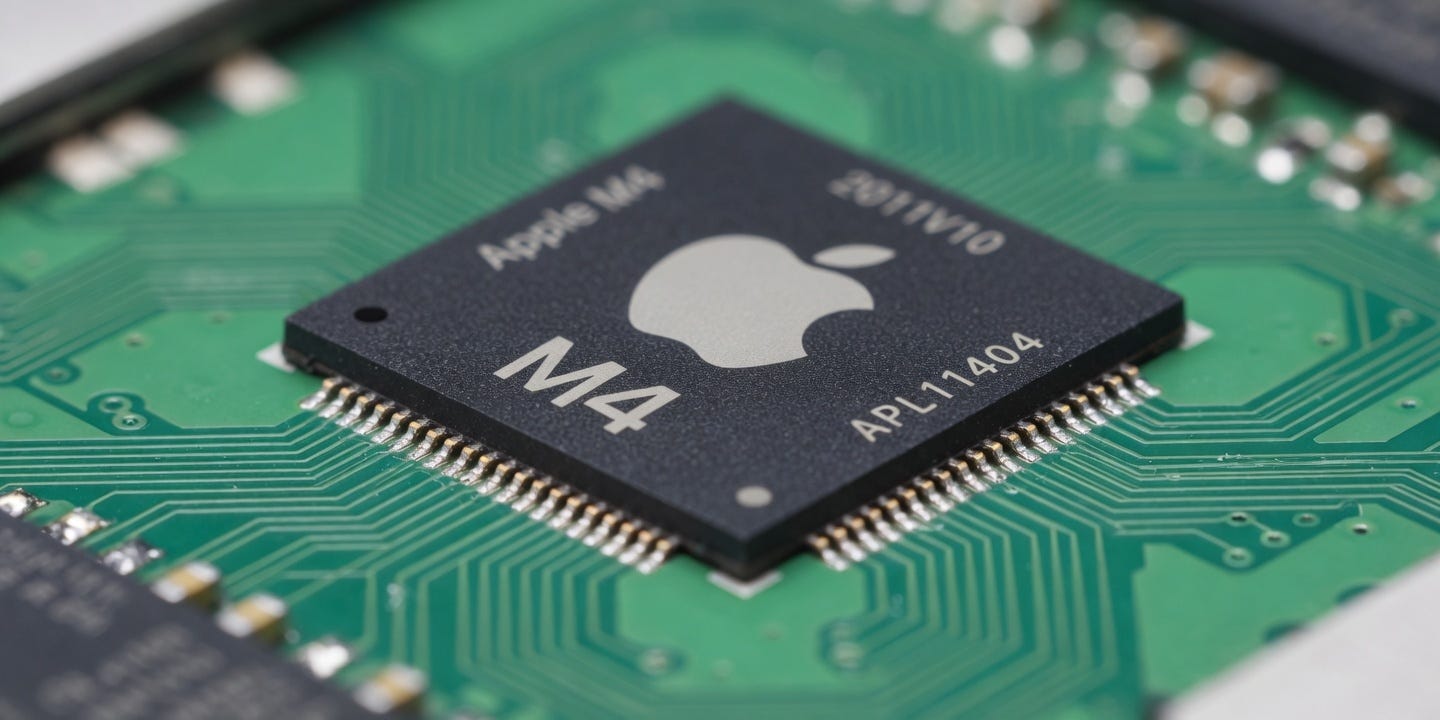
Memory Is Everything, and Apple Figured That Out First
Here’s the thing that took me a while to understand: the bottleneck in running AI models isn’t usually the processor. It’s memory. Moving data between a CPU, GPU, and RAM takes time. Every hop costs you. Traditional PC architecture — Intel or AMD with a discrete Nvidia GPU — involves a lot of these hops. Your model weights sit in VRAM. Your CPU does some work. Data shuttles back and forth across a PCIe bus that, fast as it is, still introduces latency.
Apple’s unified memory architecture just… removes that problem. The CPU, GPU, and the Neural Engine all share the same memory pool. There’s no copying data from one place to another because there’s nowhere to copy it to — it’s all already in the same physical location. For AI inference especially, where you’re reading massive weight matrices over and over on every token generation, this matters a lot.
The M4 Max has 400 GB/s of memory bandwidth. For context, a standard DDR5 desktop setup gets around 50–80 GB/s. Nvidia’s RTX 4090, which is not cheap, gets around 1 TB/s — but that’s GPU-only VRAM, which maxes at 24GB and can’t easily share with the CPU. An M4 Max with 128GB of unified memory gives you 128GB that every processing unit can access freely, with 400 GB/s throughput. Running a 70B model locally, which is nearly impossible on consumer Nvidia hardware without quantizing it down substantially, is just… doable on an M4 Max. Not comfortable, but doable.
So basically, if you’re asking why AI runs well on these chips, the answer starts and mostly ends with memory architecture.
The Neural Engine Nobody Talks About
Apple added a Neural Engine starting with the A11 Bionic back in 2017. It was mostly used for Face ID and photo processing at first. By the time M1 came out in late 2020, the Neural Engine had 16 cores and could handle 11 trillion operations per second. The M4’s Neural Engine does 38 TOPS — trillion operations per second.
What does that mean practically? The Neural Engine is purpose-built for matrix multiplication, which is the core mathematical operation in neural networks. Every transformer model, every convolutional net, every attention mechanism — it all comes down to multiplying big matrices together. A general-purpose CPU core does this okay. A GPU does it much better because of parallelism. A dedicated neural processing unit does it best because the hardware is literally designed for nothing else.
The problem used to be software. The Neural Engine was proprietary and hard to target — developers had to use Apple’s Core ML framework, which meant porting models, dealing with format conversions, sometimes losing accuracy in the process. And in 2021 or 2022, that was a real pain. I remember reading complaints on Reddit about Core ML support being half-baked for models outside of Apple’s comfort zone.
That’s changed. llama.cpp, which is probably the most widely used framework for running large language models locally, added Metal GPU support and started properly offloading to the Neural Engine through Apple’s MLX framework that they released in late 2023. MLX is Apple’s own machine learning library built specifically for Apple silicon, and it’s actually good — the API is clean, performance is solid, and it’s been updated regularly. The January 2025 update added support for quantized models that run almost entirely on the Neural Engine, which is where you really feel the difference in power consumption.
Why Power Efficiency Is Not Just a Battery Thing
Okay this part I think gets undersold. People talk about M chip efficiency in terms of “oh great, my laptop battery lasts longer.” That’s true but also kind of misses the bigger point.
Thermal design determines how much performance a chip can sustain over time. An Intel Core i9 in a laptop might hit 5 GHz for a few seconds before the thermal limits kick in and it throttles down to 3.2 GHz. Apple’s M chips run at their rated speeds basically indefinitely, because they generate so little heat. The M4 MacBook Air, with no fan at all, can sustain heavy compute workloads for hours without throttling. That’s not magic — it’s just good thermal headroom.
For AI inference, this matters more than for most workloads. Generating tokens from a language model is sustained, continuous computation. You’re not doing a quick burst of work. You’re asking the chip to run flat out for 10, 30, 60 seconds at a time. A chip that throttles after 15 seconds is going to give you inconsistent performance. The M chips don’t do that.
And then there’s the electricity cost angle, which I wasn’t thinking about until I started running models more seriously. An M4 MacBook Pro under heavy AI load draws maybe 30–40W. An equivalent workstation with an RTX 3090 and a desktop CPU pulls 350–400W. If you’re running inference for hours a day, that difference adds up fast — and for actual server deployments, it’s a significant cost factor.
Where It Actually Falls Short
I want to be honest here: there are real limitations and the Apple PR machine does a good job of not mentioning them.
Training is the big one. The M chips are good at inference but they’re not competitive for training large models from scratch. That’s still an Nvidia shop. CUDA has fifteen years of optimization work behind it, and the ecosystem — the libraries, the tooling, the community knowledge — is just miles ahead. If you’re doing serious model training, you’re using Nvidia hardware, period. Apple silicon doesn’t really compete there yet, and I’m not sure it’s even trying to.
The maximum memory, even on the M4 Max at 128GB, has a ceiling. A 405B parameter model even at 4-bit quantization needs around 200GB. You simply cannot run the largest models on Apple hardware without significant quality compromises. What you can run — 7B, 13B, 30B, even 70B with the Max — covers a huge range of practical use cases. But the “run anything locally” story has limits.
Also, MLX is Apple-only. If you’re building something that needs to run across platforms — Linux servers, Windows machines, anything non-Apple — you can’t rely on MLX. You’re back to frameworks that are more GPU-agnostic, which means you lose some of the hardware-specific optimizations. A friend at a startup in Bangalore told me they evaluated M4 Mac minis as inference servers in February 2025 and actually ended up going with them for their smaller models, but the team had to maintain two separate code paths — one for Apple silicon and one for their Nvidia boxes. Not ideal.
The Developer Story Has Actually Gotten Good
This is recent enough that a lot of the articles you’ll find online don’t reflect it.
As of early 2025, the tooling situation for running models on Apple silicon is genuinely solid. Ollama — which lets you pull and run open-source models with basically one command — has had excellent M-chip support since mid-2024, and the March 2025 update added automatic Neural Engine offloading that made a noticeable difference on M3 and M4 chips. LM Studio, which is more GUI-based, works well. MLX-LM, Apple’s own command-line tool, is fast and updated frequently.
The models themselves have gotten better optimized too. Mistral, Meta’s Llama team, and Microsoft’s Phi team all regularly release quantized versions of their models specifically tested and optimized for Apple silicon. It’s become part of the standard release checklist in a way it wasn’t 18 months ago.
Honestly the setup experience now is easier than getting CUDA working on a new Linux machine, which — if you’ve done it — you know can be a whole project.
So Why Is AI Specifically Gravitating Here
Pull it all together: you have a chip architecture that eliminates the memory bottleneck that usually kills AI performance. You have a dedicated neural processing unit that’s matured into a real workhorse for inference. You have thermal design that means the chip runs at full speed for as long as you need it to. And you have an ecosystem that, after a few rough years, has caught up to the hardware.
The result is that an M4 MacBook Pro is, in 2025, a serious machine for local AI work. Not “serious for a laptop” — just serious, full stop, compared to a lot of desktop setups that cost twice as much and weigh ten times as much.
The part I find interesting — sort of — is that Apple didn’t set out to build the perfect AI chip. They set out to build a chip that was fast and power-efficient for their product lineup. The AI capabilities are partly a consequence of design decisions that made sense for phones and laptops first. The Neural Engine was for Face ID. The unified memory was for keeping thin MacBooks cool. The thermal envelope optimization was for a fanless design aesthetic.
And it turned out all of those decisions, for separate reasons, are also exactly what you want for running AI workloads. That’s either very lucky or very smart, and I genuinely don’t know which.
What I do know is that the M5 is expected sometime in late 2025, and if the pattern holds — the M3 to M4 jump was bigger than most people expected in the Neural Engine specifically — it’s going to make the current generation look modest pretty fast.