Framework has been doing something that most laptop companies won’t even try. They build laptops you can actually fix yourself — swap the battery, upgrade the RAM, change out the ports. Most people think this is a niche hobby thing, like building your own mechanical keyboard or running a home server. But in April 2026, Framework announced the Laptop 13 Pro, and the Linux community basically lost their minds over it. The company confirmed in a tweet that Ubuntu configurations are outselling Windows ones.
That’s not a small thing. Even on Steam, where the Steam Deck pushes Linux numbers higher than anywhere else in consumer electronics, Linux users only recently crossed 5 percent of the market. So when any laptop sells more Ubuntu units than Windows units, something real is happening — even if the audience is still a specific kind of person.
The 13 Pro is Framework’s most serious hardware yet. New chassis, new processors, bigger battery, better display, first Ubuntu certification. It’s the machine their fans have been asking for since the company launched in 2021. So what changed, what didn’t, what the critics are saying, and whether this laptop is actually worth the money — let’s get into it.
The Old Framework Problem Nobody Liked to Talk About
The earlier Framework 13 models had a reputation problem. The idea was great. Fix your own laptop, upgrade your own hardware, stop throwing away perfectly good machines just because one component failed. In principle, this is exactly what the laptop industry needs.
But the build quality bothered people. The plastic chassis felt cheap for a $1,000+ machine. More seriously, the battery life was rough. Older Framework 13 users on AMD Ryzen AI 300 mainboards reported four to five hours of real battery life under normal coding and browser workloads. Some Intel users got even less. A person who reviewed the older Framework 13 on Medium set their charge limit to 80% in BIOS and was getting around four hours on a good day — and that was considered acceptable behavior for the platform. That’s not premium laptop territory. That’s frustrating, especially when a MacBook Air routinely delivers 15+ hours.
Framework knew this. The 13 Pro is basically a direct answer to that criticism, with a completely redesigned chassis and a much bigger battery at the center of the pitch. Whether they actually fixed it — well, that depends on whose numbers you trust.
What Framework Actually Changed
The chassis is now fully CNC-machined aluminum. This matters both for feel and for rigidity. The older models had some flex in the keyboard deck that annoyed people who type hard or pick up the laptop by one corner. The new design is noticeably more solid, and hands-on reports from PCWorld describe it as feeling much closer to what you’d expect from a $2,000 laptop. Framework had to rethink the entire bottom cover geometry to fit the new battery, and they also thinned out part of the keyboard deck around the new haptic touchpad to make room.
That battery is a 74Wh unit, up 22% from the 61Wh in the previous model. Framework claims over 20 hours of 4K Netflix streaming. The test conditions were 250 nits brightness, 60Hz refresh rate, speakers at 30% volume, Dolby Atmos disabled. Real-world productivity workloads — running a dev server, compiling code, Docker containers, video calls — will knock that number down by at least 10 to 15 percent, maybe more. PCWorld’s hands-on writer specifically noted that productivity benchmarks usually shave more than 10% off Framework’s quoted numbers. But if you’re getting 15–16 hours under moderate use, it’s still a massive improvement over the old generation. Framework also ships a 100W GaN charger in the box now instead of the old 60W one, so fast charging the bigger battery is actually feasible. They say 80% capacity survives 1,000 charge cycles — at one cycle a day, that’s about three years before you’d notice degradation.
The processor situation is where things get interesting. Framework is using Intel Core Ultra Series 3 — the Panther Lake architecture — in three configurations: Core Ultra 5 325H, Core Ultra X7 358H, and Core Ultra X9. They’re also offering the AMD Ryzen AI 9 HX 370 mainboard for people who want AMD. So you get a choice of processor architecture, and the modular mainboard design means you could theoretically swap in a future mainboard later. No other mainstream laptop brand lets you do this.
This is also the first Framework system with PCIe 5.0 support and Wi-Fi 7. Wi-Fi 7 comes via an Intel BE211 radio. PCIe 5.0 NVMe SSDs can hit read speeds up to 14,000 MB/s. Honestly, for most daily tasks that speed won’t feel different from PCIe 4.0, but it’s good to have the headroom as software keeps getting heavier.
Memory is LPCAMM2 modules — a newer format that’s more compact than the old SO-DIMM standard, which is part of how Framework fit the larger battery without making the laptop any thicker. It runs at up to 7,467 MT/s. Max RAM is 64GB right now, with higher density modules expected to come to market over time. Since you can upgrade the RAM modules yourself without voiding anything, buying 32GB today and upgrading later when 64GB is cheaper is a real option, not just marketing copy.
The Display and Keyboard Are Finally Good
Framework has always gotten decent marks for keyboard feel, but this time they added something previous models lacked: a haptic touchpad. The older mechanical click touchpad was one of the most common complaints, especially from users who’d come from Apple hardware or premium ThinkPads. The new haptic pad puts them much closer to premium territory.
The display is a 13.5-inch LTPS LCD at 2880x1920. The 3:2 aspect ratio gives you more vertical screen space, which is better for reading code or long documents without scrolling as much. 700 nits peak brightness, variable refresh rate from 30Hz to 120Hz, and for the first time on a Framework 13-inch laptop, integrated touch support built into the panel. Framework says every panel goes through per-panel color calibration before shipping. It covers 100% of sRGB, which in 2026 is basically the baseline expectation.
PCWorld’s hands-on writer rated the keyboard a B+, placing it below their favorites from Microsoft and Lenovo but noting Framework “nailed it” compared to previous models. One odd thing they noticed: there’s both a Settings key and a Framework key on the keyboard, and the gear-like icons used for both look nearly identical at first glance. Small thing, the kind of minor UX quirk that you notice once and then forget, but it came up in multiple early hands-on reports.
The Dolby Atmos speakers are included on Intel versions. AMD versions get standard speakers. Framework hasn’t clearly explained why there’s a difference, and people in the community forums have been asking. The Intel speakers also apparently didn’t wow anyone in the hands-on sessions — the writer from PCWorld noted the sound didn’t match the spec-sheet promise during the demo. That said, early controlled demos are rarely the best way to judge speakers. Full reviews after June shipments will be more useful.
The Linux Story Is the Interesting Part
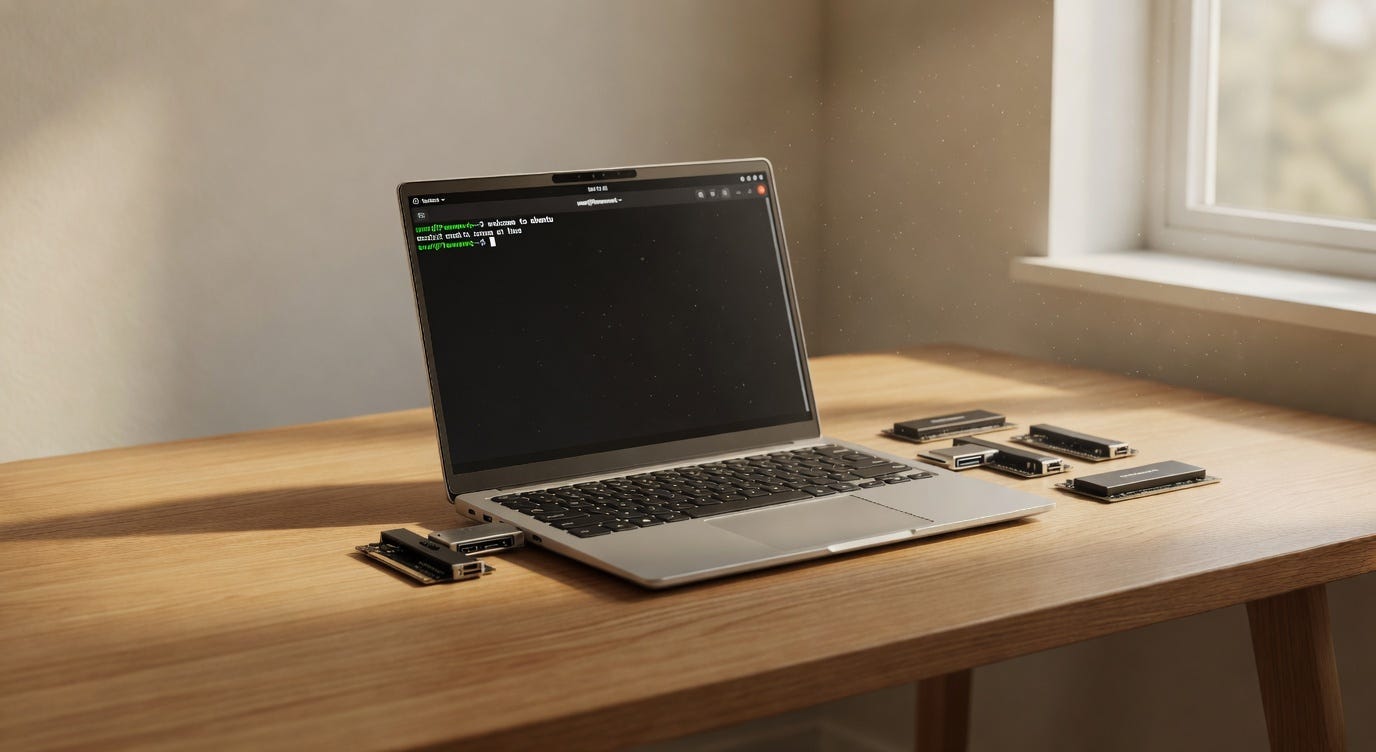
This is the first Framework laptop to be Ubuntu Certified. Not “works with Linux if you configure it right” — actually certified by Canonical, with official testing. Firmware updates come through LVFS (Linux Vendor Firmware Service), so there’s no hunting for BIOS update tools that only run on Windows, no manually flashing firmware while hoping nothing breaks. Framework also contributes patches upstream to the Linux kernel, which the developer community notices.
Ubuntu pre-built configurations are outselling Windows ones, according to Framework’s own data shared on Twitter/X in late April 2026. Framework clarified that the “None (bring your own OS)” option is not counted in the Ubuntu numbers — these are straight pre-built Ubuntu orders versus pre-built Windows orders, among customers who actually want an OS pre-installed. Among that group, more people chose Ubuntu than Windows 11. That’s the specific data point.
This reflects a few things. Framework’s customer base skews hard toward developers and technical users who’ve been running Linux for years on machines that weren’t designed for it. These are people who know what they want. And there genuinely aren’t many places to buy a new laptop with Linux pre-installed and properly supported — you’ve got Framework, System76, Slimbook, a handful of Dell developer editions, and almost nothing from the major brands at scale. Lenovo sold Ubuntu-loaded laptops at some point, but the options have become hard to find in 2026.
Microsoft also hasn’t helped itself. The Copilot integrations in Windows 11 that most users didn’t want, the AI sidebar appearing in places it didn’t belong, the general sense that the OS is becoming less user-controlled over time — a chunk of technical users just got tired of it. There are reports from April 2026 that Microsoft is now pulling back on some of these integrations after significant pushback, but the damage to trust with a certain type of user was already done. PCWorld’s own staff writer noted he switched to Linux Mint on his personal laptop in early 2026 because there’s nothing he actually needs that requires a Windows license anymore. That feeling is spreading in developer circles, and Framework is the hardware that makes it practical.
The Modular Hardware Thing: What It Actually Means in Practice
Framework’s Expansion Card system is one of their most practical real-world features. The laptop has four card slots, and you choose what goes in each: USB-C, USB-A, HDMI, DisplayPort, SD card, Ethernet, and more options. You can swap them without tools. If you used to need HDMI at the office but now work from home and need more USB-C, you just change the cards. No adapter dongles living permanently plugged into ports.
The mainboard being modular is the bigger — and more theoretical — benefit. Framework says the new 13 Pro mainboards will work in older Framework 13 chassis, and vice versa. So if you bought the original Framework 13 in 2021 with an 11th-gen Intel chip, you could theoretically upgrade to a Panther Lake mainboard inside the same physical laptop body. Framework says the 13 Pro is forward and backward compatible with their existing ecosystem.
In practice, the upgrade path requires research. Not every mainboard from every generation works perfectly in every chassis version. Framework has compatibility guides, but you still need to read them carefully before ordering. Several users in the Framework community forums have raised concerns that as the product line expanded to the 12 and 16, some of the connector standards in the 13 might get left behind in future generations. Framework hasn’t directly addressed this as of late April 2026, and it’s the kind of thing that makes you wonder about the long-term ecosystem health. Framework has maintained parts availability since 2021, which is better than anyone expected, but it’s still not a guarantee.
What the Critics Are Saying
No dedicated GPU. This is the biggest hardware limitation and it comes from the chassis size, not a software or policy choice. The Intel Arc B390 integrated graphics can do more than you’d expect — Framework showed the laptop running Cyberpunk 2077 at medium settings at 69 fps during the launch event, which is genuinely surprising for an integrated chip. But if you do machine learning training locally, 3D rendering, video export at 4K, or serious gaming, you’ll hit walls quickly. The Framework 16 has upgradeable discrete graphics via an NVIDIA RTX 5070 module, but that’s a much larger and heavier machine. The 13 Pro is a 13-inch laptop, and some trade-offs come with that.
The price is the other major concern and the criticism is fair. The DIY edition starts at $1,199, but that’s with no RAM, no storage, and no OS — you’re buying the chassis and mainboard only. A pre-built Intel Core Ultra X7 358H with 32GB RAM and 1TB storage starts at $2,099. AMD pre-built configurations start at $3,099 for the same RAM and storage. That is MacBook Pro money.
And Tom’s Hardware forum users have made exactly that comparison, not kindly. The argument goes: a MacBook Pro M4 at a similar or lower price point has better CPU performance per watt, faster memory, significantly better GPU performance, dramatically better sustained performance under thermal load, and historically holds its resale value. The counter from Framework fans is that you can repair, upgrade, and customize the Framework in ways Apple simply won’t allow — and for people who prioritize that, it’s worth paying for. But it’s more of a principles argument than a raw performance argument, and not everyone weights principles the same way when spending $2,000.
Framework’s repairability and upgradeability genuinely matters for total cost of ownership if you keep the machine for five or six years. The math starts to work in your favor when you factor in not replacing the entire laptop because the battery failed or one component broke. But the resale market for second-hand Framework mainboards and components is still thin, which means the modularity benefit is mainly about extending your own device’s life, not about recovering value if you move on.
The Dolby Atmos speaker situation — available on Intel, not on AMD — also feels like a weird omission that the company hasn’t explained well. If you’re paying $3,000 for the AMD pre-built, you’d probably like the better audio hardware too. That answer might come in future specs or updates, but right now it’s an open question.

Actually the MacBook Comparison Is Worth Having Honestly
The “MacBook Pro for Linux users” label is Framework’s own marketing, so it’s fair to interrogate it. A MacBook Pro M4 Pro starts around $1,999 in the 14-inch size. For that, you get Apple Silicon performance that benchmarks extremely well for both single-core and multi-core tasks, 24GB of unified memory as the base config, a Liquid Retina XDR display that covers a wider color gamut than the Framework’s 100% sRGB, ProMotion up to 120Hz, a MagSafe charging port that has saved countless laptops from a yanked cable, and macOS which — whatever you think of Apple’s ecosystem lock-in — is a very polished operating system that runs a lot of developer tools natively.
The Framework 13 Pro has the Intel Arc B390 integrated GPU. The M4 Pro has a 20-core GPU. There is no comparison there. Framework wins on repairability, Linux support, port flexibility, and user control. Apple wins on GPU performance, memory bandwidth, display quality at the premium tier, and macOS software quality.
The people for whom the Framework 13 Pro makes sense are the people who can’t or won’t use macOS for their work or workflow. Developers who need to test on actual Linux, not a VM. Security researchers who want control over every layer of their stack. Privacy-focused users who want to know exactly what firmware is running and be able to update it transparently. For those people, the Framework 13 Pro is actually the best option available right now. For everyone else, the comparison is harder to win on pure specs.
Who Should Actually Buy This
A narrow but real audience. Developers who need Linux natively, want to repair and upgrade their own hardware, care about right-to-repair as a principle, and can justify spending $2,000+ on a machine they plan to use for five or six years — this is the best Linux laptop available right now. System76’s options have loyal fans but the hardware quality and display don’t match what Framework has built here. Dell’s developer editions run Linux fine but aren’t repairable in the same meaningful way. Slimbook is good but has a much smaller ecosystem.
For people who use Windows, who aren’t planning to swap mainboards themselves, who do GPU-heavy work, or who primarily want maximum performance per dollar — the value proposition wobbles. You’re partly paying for the philosophy of the product, and that’s not necessarily wrong, but you should know that’s what you’re doing.
Six batches of the Intel version sold out within days of the April 2026 announcement. That tells you Framework’s existing audience is hungry for this. Shipping for Intel configurations starts in June 2026. AMD variants are looking at July or later depending on region.
The UK pricing for pre-built Ubuntu editions starts at £2,009 for the Intel X7 358H with 32GB RAM and 1TB storage. AMD pre-built with the Ryzen AI 9 HX 370 starts at £3,009 with the same memory and storage configuration. Ubuntu 26.04 LTS was released just recently, and early reports from the Framework community about compatibility look good — though it’s only been a few days and people are still testing edge cases.
Framework built the laptop that the Linux developer community has wanted for years. The hardware is finally good enough that “it runs Linux” isn’t the only selling point. The question of whether it’s worth $2,000+ is genuinely personal, and the answer depends on how you work, what you value in a machine, and how long you plan to keep it. But at least the laptop is finally good enough that the question is worth asking seriously.