I spent the first three years of my career building things. APIs, microservices, CI/CD pipelines, the usual stuff. And honestly, security felt like someone else’s problem. There was a security team somewhere. They handled it. I wrote code.
Then one afternoon our staging environment got hit. Someone had found an exposed Redis instance we’d spun up for testing and never properly locked down. Nothing was stolen, no real damage done, but watching our on-call engineer scramble to figure out what happened, what had been accessed, and how long it had been open, that was a wake-up call. The thing is, nobody had any logs. Nobody had alerts. We were completely blind. And I remember thinking: how do companies actually defend against this stuff?
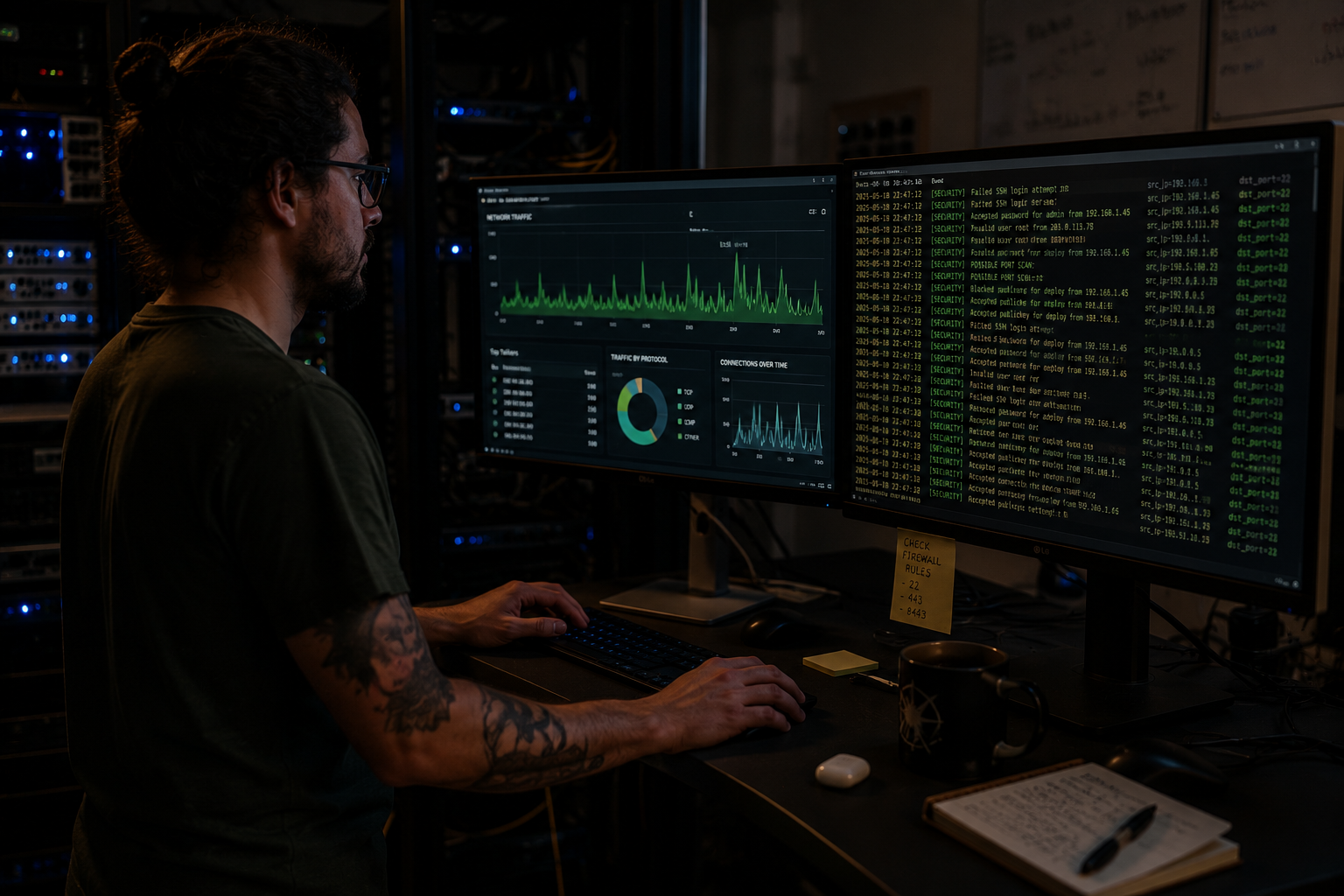
That question led me down a rabbit hole. I started reading about defensive security, SOC operations, threat detection. And the more I read, the more I realized this is just software engineering. It’s systems thinking. It’s the same mental model, just pointed in a different direction. So if you’re a developer who’s curious about cybersecurity but doesn’t want to become a hacker, this is for you. Blue team work is where people like us belong.
What Is Blue Team Cybersecurity?
Most people, when they hear “cybersecurity,” picture someone in a hoodie breaking into systems. That’s red team work offensive security, penetration testing, finding vulnerabilities before the bad guys do. It’s what most Hollywood movies are about and it gets all the attention.
Blue team is the other side. It’s defense. And in most organizations, the blue team is bigger, more funded, and frankly more engineering-heavy than the red team.
Blue team work comes down to three things. First is visibility, you cannot protect what you can’t see. This means logs, metrics, network captures, endpoint telemetry. All the data that tells you what’s actually happening inside your systems at any given moment. Second is detection, writing rules, building alerts, and using patterns to catch anomalous behavior before it becomes a breach. Third is response, once you’ve detected something, what do you do? Isolate the machine? Block the IP? Trigger an automated remediation script? Usually all three, fast.
These three pillars are actually not that different from how we think about reliability engineering. You want observability (visibility), alerting (detection), and runbooks or automation (response). The vocabulary shifts, the stakes go up, but the engineering mindset is the same.
Bridging the Gap: Your Dev Skills Already Translate
This is the part that surprised me most when I started learning this stuff. I already knew most of the underlying concepts. I just didn’t know the security names for them.
Here’s a rough mapping of what you probably already know and what it maps to in defensive security:
Software Engineering Concept | Blue Team Equivalent
Application logging (console.log, logger.info) => SIEM ingestion and audit trails
CI/CD pipelines (GitHub Actions, Jenkins) => DevSecOps with SAST/DAST scanning
API gateways and microservices => Zero Trust architecture and network segmentation
System monitoring (Prometheus, Grafana) =>Threat detection and behavioral anomaly detection
Code review and access controls => Identity governance and least-privilege enforcement
The mental model you already have for “how does data flow through my application” is exactly the model you need to ask “where could an attacker move through my network.” It’s the same graph, same nodes, same edges. You’re just walking it backwards.
And honestly, this is why software engineers often make better blue teamers than people who came up purely through IT operations. An ops person knows how networks work but sometimes doesn’t fully understand why a Node.js app is making outbound connections to some random IP on port 3000. A developer looks at that and immediately knows something is wrong.
The SOC Stack: What the Tools Actually Are
If you look at job postings for blue team or SOC roles, you’ll see a bunch of acronyms that look scary at first. They’re not. Let me break down the three main ones.
SIEM (Security Information and Event Management) is basically a central log aggregation and search system. Think of it as Elasticsearch or Splunk but specifically tuned for security events. Every server, firewall, application, and endpoint ships its logs here. Then analysts write queries and detection rules against those logs. Products like Splunk, Microsoft Sentinel, and IBM QRadar are all SIEMs. If you’ve ever written a Kibana query or set up log shipping in your app, you already understand the basic idea.
SOAR (Security Orchestration, Automation, and Response) is the automation layer on top of the SIEM. When a detection rule fires, SOAR is what actually does something about it. It runs playbooks basically scripts that can block an IP, quarantine a machine, create a ticket, send a Slack alert, or kick off an investigation workflow. For developers, this is the fun part because it’s basically writing automation code. Palo Alto Cortex XSOAR and Splunk SOAR are the two I see most often in job listings right now.
XDR (Extended Detection and Response) is the telemetry layer that feeds everything. It sits on endpoints, monitors network traffic, watches cloud API calls. Traditional antivirus just checked files. XDR watches behavior it notices that a process is making network connections it never made before, or that a user logged in from Mumbai and then from Berlin 45 minutes later. CrowdStrike Falcon, Microsoft Defender XDR, and SentinelOne are the big names here.
The way these three connect: XDR generates the raw events, SIEM ingests and detects on those events, SOAR responds when the SIEM fires an alert. It’s a pipeline. You’ve built pipelines before. This is the same thing.
Where to Actually Start: A Practical Blueprint
Reading about this stuff is fine, but at some point you need to get your hands dirty. Here’s what I’d actually suggest, based on what worked for me and what I’ve seen work for other developers making this shift.
Start with Linux logs. Specifically, look at /var/log/auth.log on any Ubuntu system. This file records every SSH login attempt, sudo usage, and authentication event. If you've never looked at it before, it's kind of shocking. On any public-facing machine, you'll see hundreds or thousands of failed login attempts every day from bots scanning for weak passwords. That's your first exposure to real threat data. No tool needed, just cat or grep.
To filter for failed attempts specifically:
grep "Failed password" /var/log/auth.log | tail -50That four-line mental model, find the log, grep for the bad thing, look at the output, understand what you’re seeing, is basically how most detection work starts before it gets formalized into rules.
Next, get comfortable with basic network traffic analysis. Wireshark is free, open source, and has been around since 1998. Install it, capture some traffic on your local machine, and just look at what’s there. Your browser generates a lot of DNS queries. Your OS phones home constantly. Understanding what “normal” traffic looks like is how you eventually recognize “abnormal” traffic.
After that, try setting up a small SIEM environment locally. The Elastic Stack (Elasticsearch, Logstash, Kibana, and the security add-ons) can run in Docker and gives you a real SIEM experience for free. Ship some logs to it, write a detection rule, trigger the rule intentionally. The Elastic Security documentation has gotten much better over the past year, as of early 2026 they’ve added a whole “beginner SOC analyst” learning path that didn’t exist when I was starting out.
Finally, Python is your friend here. A lot of blue team automation is just Python scripts talking to APIs. Here’s a small example of something actually useful, checking a file hash against VirusTotal’s free threat intelligence API:
import hashlib, requests

def check_hash(filepath):
    with open(filepath, "rb") as f:
        sha256 = hashlib.sha256(f.read()).hexdigest()
    url = f"https://www.virustotal.com/api/v3/files/{sha256}"
    headers = {"x-apikey": "YOUR_API_KEY"}
    r = requests.get(url, headers=headers)
    return r.json()
That’s it. You can extend this to scan a whole directory, log suspicious hashes, or feed results into a SIEM. If you’ve written any Python at all, this kind of thing takes maybe an hour to get working.
This above one is just a small example for understanding the flow*
The Rise of Security Engineering
Something is shifting in the industry right now, and I think it’s worth paying attention to. Traditional security operations was reactive — something bad happens, the SOC investigates, they write a report. That model is breaking down.
The volume of events in a modern cloud-native environment is just too high for humans to review manually. A mid-size company running microservices on Kubernetes might generate hundreds of millions of log events per day. You cannot hire enough analysts for that. So security is moving left, it’s becoming part of the build process, the deployment pipeline, the infrastructure code.
SAST tools (Static Application Security Testing) scan your code for vulnerabilities at commit time. DAST tools (Dynamic Application Security Testing) hit your running app with attack payloads in CI before it ever reaches production. Policy-as-code tools like Open Policy Agent let you write rules that prevent insecure infrastructure from deploying at all. None of this is traditional “security team” work. All of it requires someone who can write code.
The job title I’m seeing more of in 2025–2026 is “Detection Engineer”someone who writes the actual detection logic, maintains the rules in the SIEM, builds the SOAR playbooks. It’s a software engineering job that happens to be inside a security team. And it pays well. Senior detection engineers in the US are clearing $160–180k, and the demand is outpacing supply pretty badly right now. Partly because not enough developers know this path exists.
So. If you’ve been looking for a way to apply your existing skills to a new domain without starting completely from scratch, this is probably the most direct on-ramp I know of.
Ready to get your hands into actual security data? The next guide — Linux Security Logs 101: Where Threat Hunting Begins, walks through reading, parsing, and querying auth logs, syslog, and audit logs on a real machine.