So basically, the news just leaked that Nvidia is putting their own chips inside Windows laptops starting next week. The Axios report from yesterday says Microsoft Surface and Dell are the first partners for this new N1X ARM processor. Everyone on Twitter and Reddit is losing their minds over it today. They are acting like this will immediately destroy Apple’s M-series chips and change the entire industry overnight.
I am not buying the hype yet.
If you look at the history of Windows on ARM, it is basically a graveyard of broken promises. I am good in hardware stuff usually, but the software side of this transition is always a total headache. I bought a Qualcomm Snapdragon laptop last year because I wanted that 18-hour battery life. I spent two entire days trying to figure out why my local Docker setup refused to start. The emulation layer for standard x86 apps completely broke my database environment. I had to format the drive and just give the laptop to my cousin. Nvidia makes amazing graphics cards. We all know that. But making an entire system-on-chip that plays nicely with legacy Windows spaghetti code is a totally different beast. You can’t just throw raw GPU power at software compatibility problems and expect it to magically work.
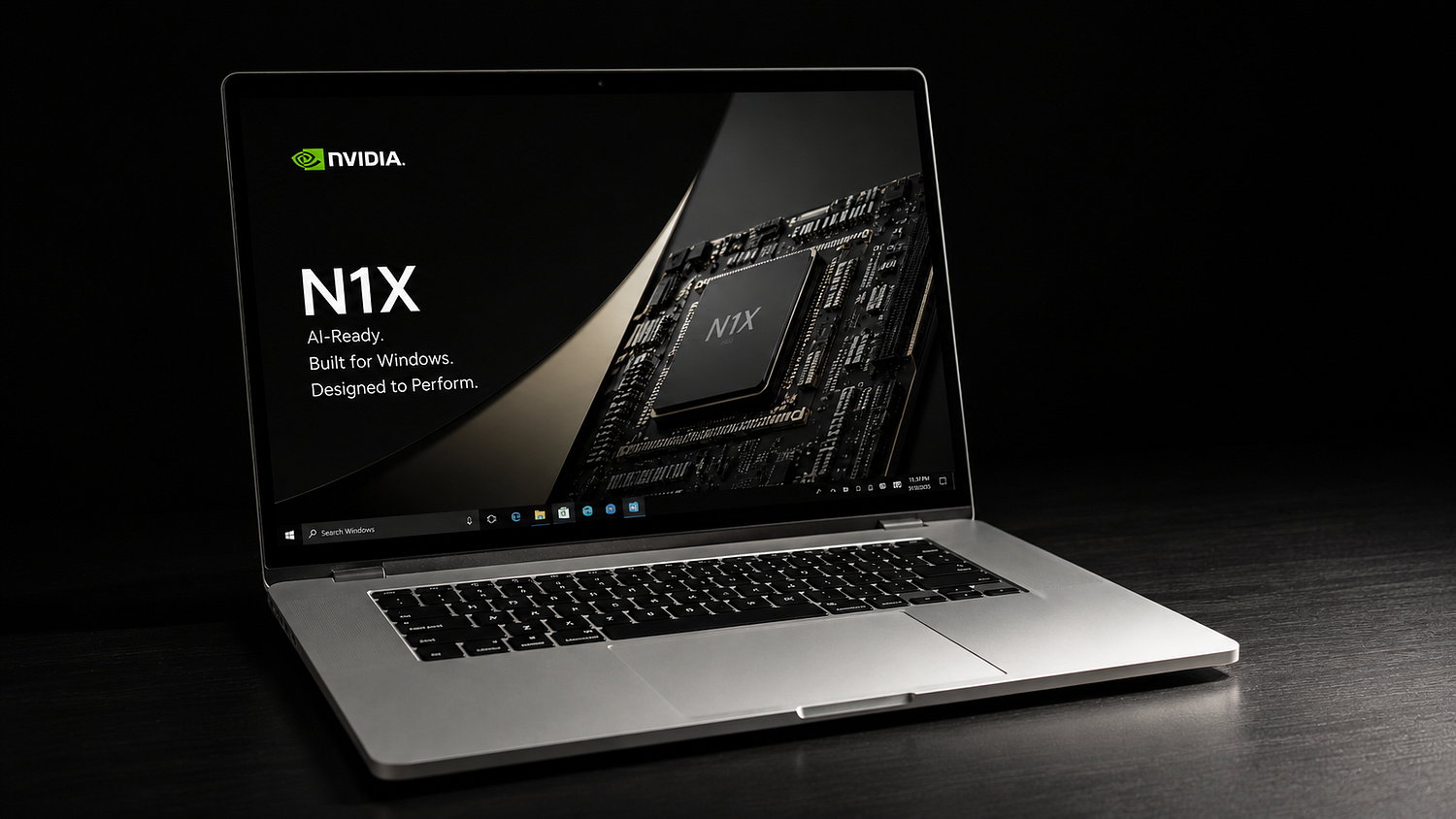
The ghost of Windows on ARM
Look, we have seen this movie before. Microsoft has been trying to make ARM laptops happen for more than ten years. First it was Windows RT on the old Surface tablets, which was an absolute disaster because you couldn’t run anything outside the Microsoft Store. Then they partnered with Qualcomm for the SQ chips, and later the Snapdragon X Elite. Every single time, the tech journalists write these glowing reviews saying “the MacBook killer is finally here.” And every single time, regular users buy them and realize half their daily apps don’t work or run incredibly slow.
The issue isn’t the hardware design. ARM architecture is great for battery life and staying cool. The problem is the massive mountain of legacy x86 software that businesses and developers use every single day. Apple managed their transition to Apple Silicon because they control the entire ecosystem from top to bottom. They wrote Rosetta 2, which translated old apps beautifully, and they forced developers to update their apps almost immediately.
Microsoft cannot do that. The Windows ecosystem is too massive and messy. There are enterprise applications written twenty years ago that banks and insurance companies still run. If those tools don’t run on the new Nvidia N1X processor, corporate IT departments will simply refuse to buy these laptops. They will stick with Intel or AMD.
I work a lot with data tools and local server environments. When you try to run a heavy data pipeline or a local instance of a message broker like Apache Kafka on an ARM Windows machine, things start breaking in weird ways. The binaries are compiled for x86 architecture. The translation layer has to translate those instructions on the fly. It creates a massive performance penalty. What is the point of having a super fast Nvidia chip if 30% of its performance is wasted just translating code?
Software integration is a different beast
Nvidia is a hardware monster, no doubt about it. They dominate the data center market with their H100 and Blackwell chips. But designing silicon for a server rack that has infinite power and liquid cooling is not the same as designing a chip for a laptop that sits in someone’s backpack.
Windows has its own way of handling graphics and processing pipelines. You have DirectX, you have Windows Display Driver Model, and you have all these background kernel processes. Nvidia has always struggled with their drivers on non-x86 platforms. If you have ever tried to run an Nvidia graphics card on a Linux machine with an ARM processor, you know exactly what kind of pain I am talking about. It is a mess of black screens, broken kernel modules, and random crashes.
Now they have to write a brand new driver stack for Windows 11 on ARM from scratch. They have to make sure their graphics pipeline integrates perfectly with Microsoft’s built-in scheduler. The leaked report from The Verge mentioned that Microsoft is teasing a special event for June 3rd to show off the N1X. They are going to show off demos of video editing and AI generation running smoothly on stage.
Demos on stage are always fake. They are highly optimized, pre-compiled workflows designed to look perfect. The real test happens when a regular user opens ten Google Chrome tabs, starts a Zoom call, runs a local database, and tries to share their screen. That is when the micro-stutters and driver crashes start showing up.
I remember trying to run an early version of PySpark on an ARM setup a few months ago. The JVM kept throwing these strange memory alignment errors that nobody on Stack Overflow had an answer for. I spent an entire weekend modifying configuration files just to get a simple data frame to load. It was exhausting. I don’t want to go through that experience again just because Nvidia wants to enter the PC market.
We need to discuss about the heat
And then there is the power draw. Nvidia is known for pushing hardware to the absolute limit. Actually, let me back up for a second. The N1X is supposed to be power-efficient because it uses ARM architecture. But they are also slapping a massive AI neural processing unit on the same silicon die.
Right now we are dealing with a crazy heatwave in Hyderabad. It hit 44 degrees outside yesterday. I put my current work laptop on my lap for twenty minutes and I had to grab a thick pillow because the bottom chassis was burning my leg. If Dell tries to stuff an Nvidia desktop-class AI chip into a paper-thin XPS chassis, it is going to melt. A guy I know who tests hardware for a big tech site told me early thermal drivers on these N1X test units are still causing the system to shut down randomly. They said a patch is coming in the next Windows 11 update but nobody knows when exactly that will drop.
Think about the physical reality of a laptop. You have limited space for copper heat pipes and cooling fans. If you look at standard gaming laptops that use Nvidia graphics cards, they are thick and heavy. They have huge exhaust vents on the sides and back. The fans sound like a jet engine when you open a game.
But Microsoft wants these new N1X laptops to compete with the MacBook Air. They want them to be thin, light, and silent. There is a fundamental conflict here. You cannot have high-performance Nvidia graphics and an intense AI processor running inside a chassis that has no room for airflow. The laptop will thermal throttle within five minutes of heavy work. The clock speeds will drop to protect the silicon from destroying itself, and suddenly your expensive new laptop performs worse than a budget machine from three years ago.
I opened my old Intel laptop last month to clean out the dust from the fans. The amount of lint and dirt stuck in the tiny cooling fins was incredible. Once that buildup happens inside these new ultra-thin Nvidia laptops, the thermal performance will drop off a cliff. For people living in dusty, hot environments, this is a recipe for hardware failure.
Local AI NPU vs API calls
The whole tech media is pushing this narrative about AI PCs. I think they are overcomplicating it. Most developers and tech workers I know in the real world don’t run heavy AI models locally on their laptops. We just ping the OpenAI or Anthropic API because it is faster. It doesn’t drain your battery in twenty minutes. Nvidia obviously wants to sell this new chip so every student and office worker feels like they need local AI hardware.
It feels like a solution looking for a problem.
Microsoft is adding all these local AI features to Windows 11, like their Windows Recall tool which takes screenshots of everything you do. Honestly, nobody asked for that. Most people I talk to find it creepy and want to turn it off immediately for privacy reasons. The other features are things like live captions for videos or studio effects for your webcam. Do you really need a massive, power-hungry Nvidia NPU just to blur your background during a Microsoft Teams meeting?
If I want to train a machine learning model or run a large language model with billions of parameters, I am not going to do it on a laptop. I am going to rent an instance on AWS or Azure with an industrial-grade GPU. Running those workloads locally on a battery-powered device is just silly. It degrades the battery health rapidly and turns your device into a space heater.
Nvidia is trying to recreate their data center success in the consumer market because the AI stock market bubble requires them to keep growing. They need to convince the average consumer that their current laptop is obsolete because it doesn’t have an AI chip inside it. It is pure marketing hype.
The gaming and compatibility question
Nvidia is first and foremost a gaming company for consumers. Millions of people buy GeForce cards because they want to play games at high frame rates with ray tracing turned on. So when people hear that an Nvidia processor is coming to laptops, their first thought is that these will be amazing portable gaming machines.
This is going to be a huge disappointment for gamers.
Most PC games are compiled strictly for x86 processors. Running a modern game through an ARM translation layer is vastly more difficult than running an office app like Word or Excel. Games require direct, low-level access to the hardware, tight frame time pacing, and constant communication between the CPU and GPU.
When you add an emulation layer in the middle of that process, your frame times become a total mess. You might get a decent average frame rate, but you will experience constant micro-stutters that make the game feel unplayable. Furthermore, think about modern anti-cheat software. Games like Valorant use kernel-level drivers like Vanguard to prevent cheating. Those anti-cheat systems are written specifically for x86 Windows kernels. They flat out refuse to run on ARM Windows because they see the translation layer as a potential hacking tool.
So if you buy an N1X laptop thinking you can use it as a sleek work machine by day and a competitive gaming rig by night, you are going to be stuck playing old emulated titles or indie games that have native ARM ports. The massive library of modern AAA games on Steam will be mostly inaccessible or run like a slide show.
What it needs to prove next week
I am not saying the N1X is guaranteed to fail. I want competition in the market. Intel has been lazy for years, and AMD has made good progress but they don’t have the ecosystem leverage that Nvidia commands. If Nvidia can actually pull this off, it will be great for consumers.
But before I open my wallet or recommend these machines to anyone, they have to prove three things during the launch next week.
First, they need to show real, unedited benchmarks of x86 software running under translation. I don’t want to see another demo of Blender or Adobe Premiere running a native ARM version. Show me a standard x86 enterprise app running alongside a local database container. Show me the actual CPU overhead and the memory consumption.
Second, we need to see real-world thermal data. I want to see how hot the chassis gets after running a sustained workload for an hour in a room that isn’t perfectly air-conditioned. If the laptop requires a specialized cooling pad just to maintain its advertised clock speeds, it is not a real laptop.
Finally, the pricing needs to be realistic. Nvidia has a habit of pricing their products like luxury items because they know they have a monopoly in the AI space. But the laptop market is incredibly price-sensitive. If a Dell XPS with an N1X chip costs $2,500 while a regular Intel version costs $1,500, nobody is going to buy it except a few rich tech enthusiasts.
Until we get answers to these questions, my advice is to ignore the launch articles and the hype videos that will flood your feed next week. Let the early adopters spend their money to be beta testers. Let them deal with the broken drivers, the database compatibility errors, and the overheating issues.
I am sticking with my heavy Intel machine for now. It is clunky, it sounds like a jet engine when I compile code, but it works every single time without surprises.